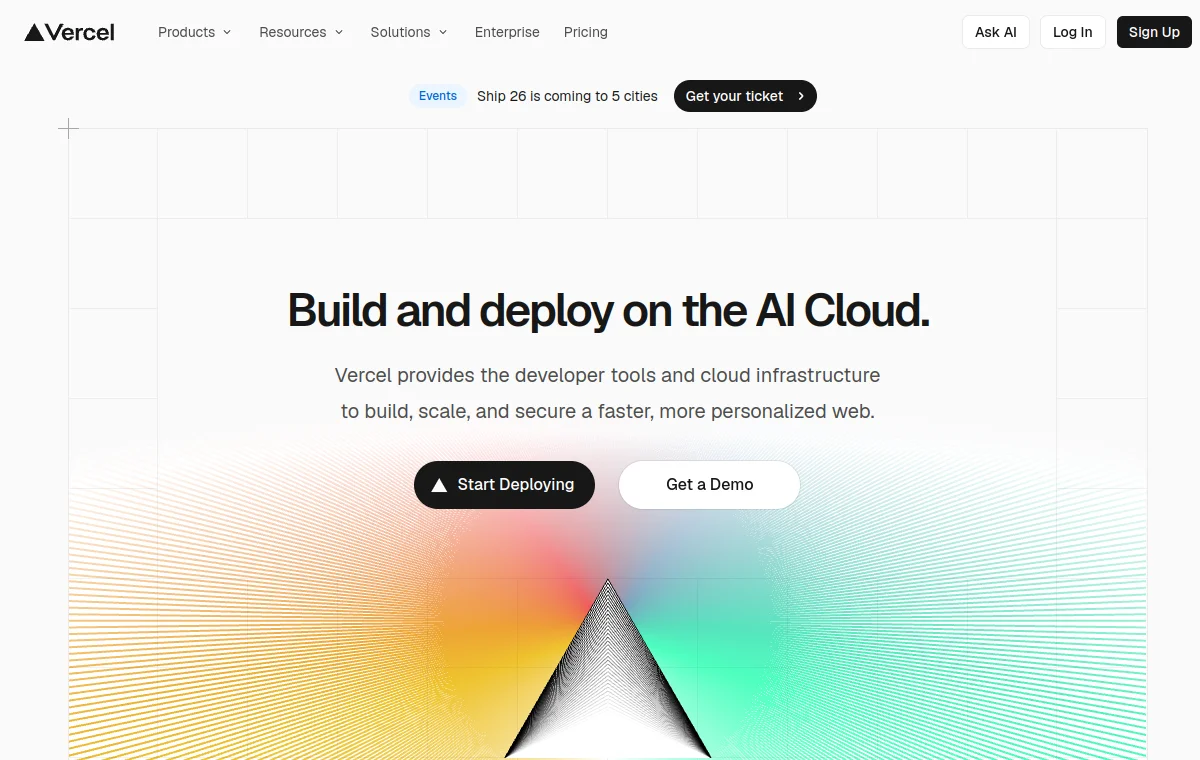
 DESIGN.md
Vercel
vercel.com · website Design MD
Browse Design MD examples, templates, skills and practical guides for Cursor, Claude Code, Codex and Google Stitch. Explore shadcn/ui and Tailwind CSS references for agent-ready UI rules.
Design MD examples
Browse visual design systems, then inspect the Design MD contract behind each example—not just a screenshot.
DESIGN.mdvercel.com · website Design MD
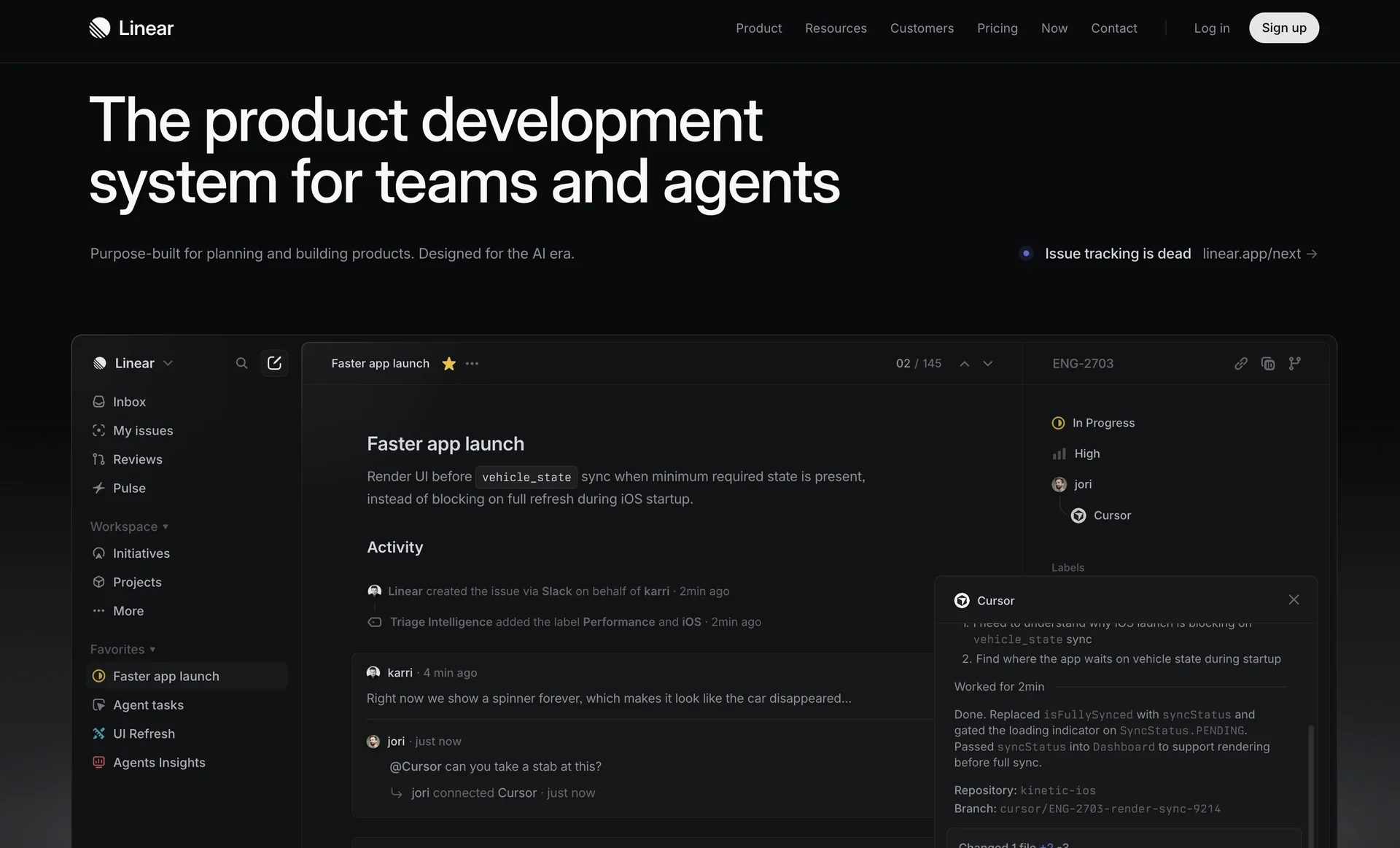 DESIGN.md
linear.app · website Design MD
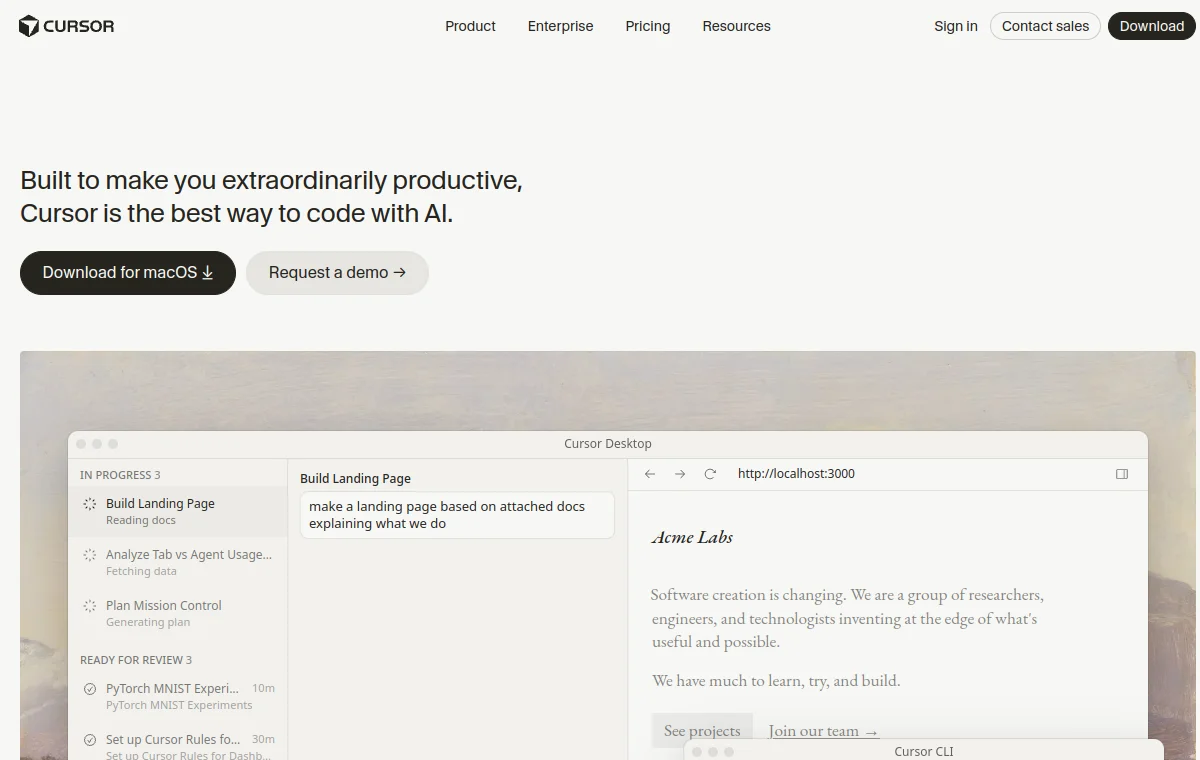 DESIGN.md
cursor.com · website Design MD
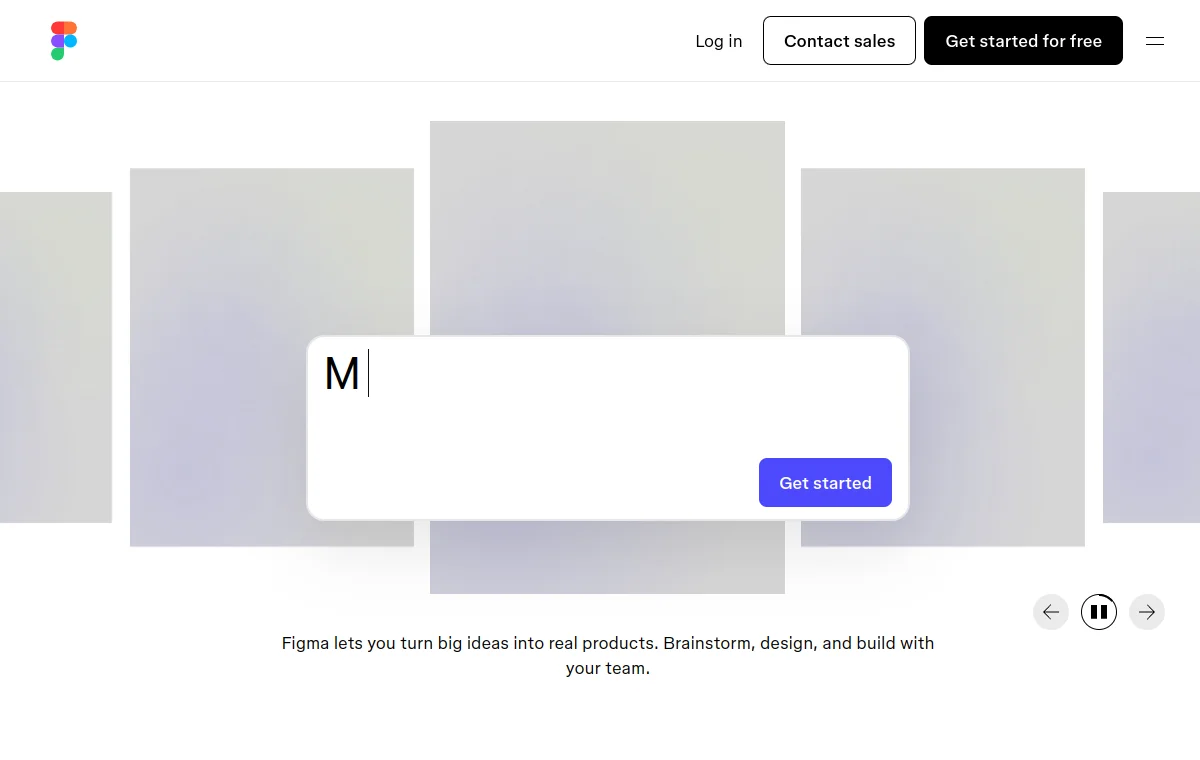 DESIGN.md
figma.com · website Design MD
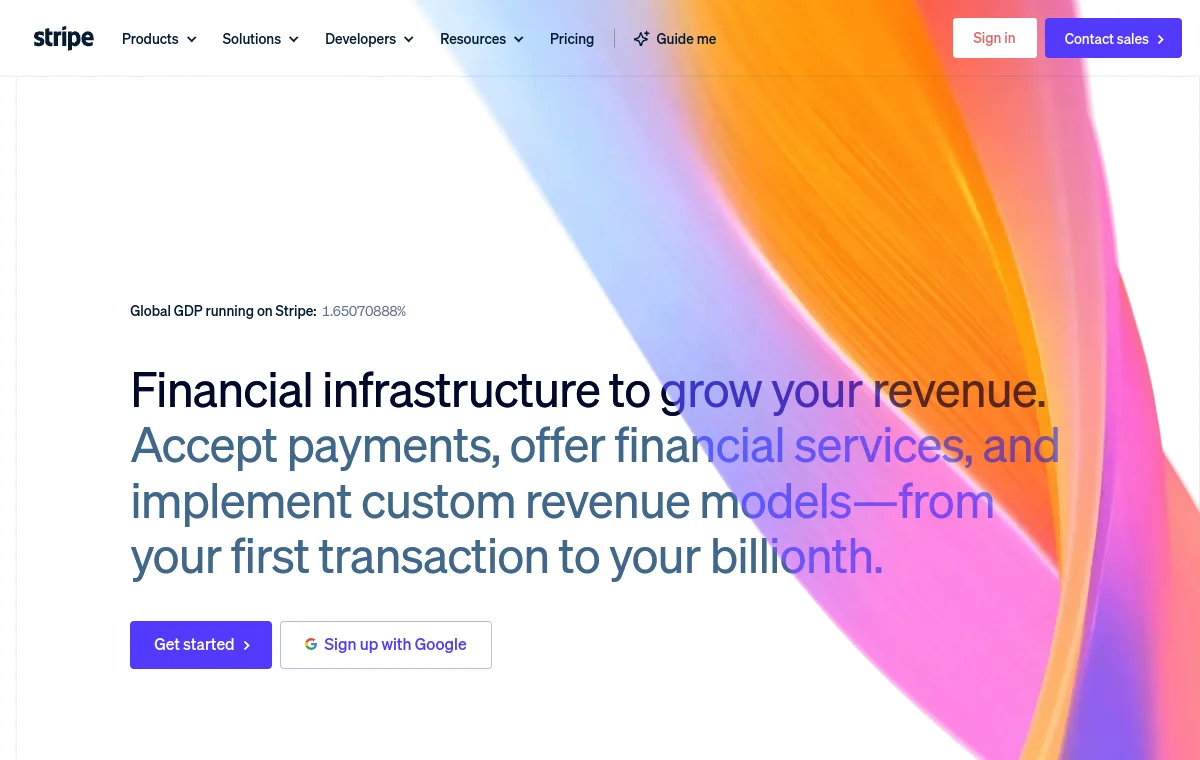 DESIGN.md
stripe.com · website Design MD
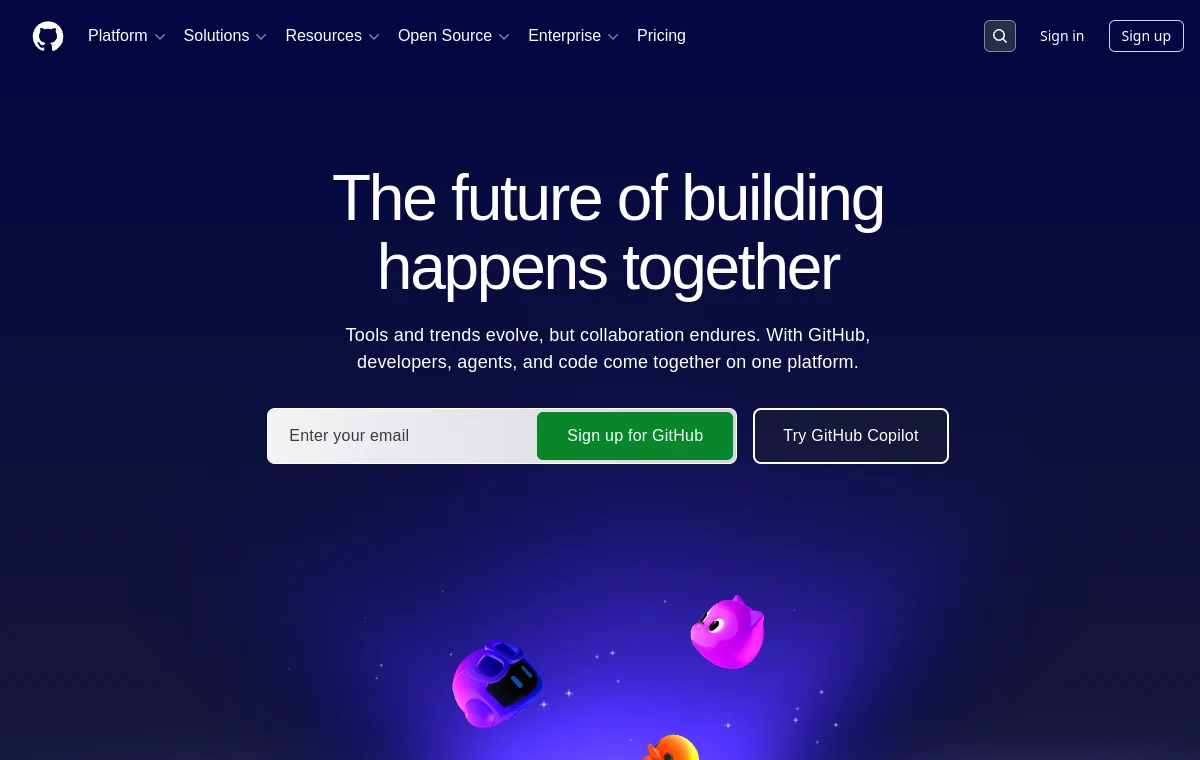 DESIGN.md
github.com · website Design MD
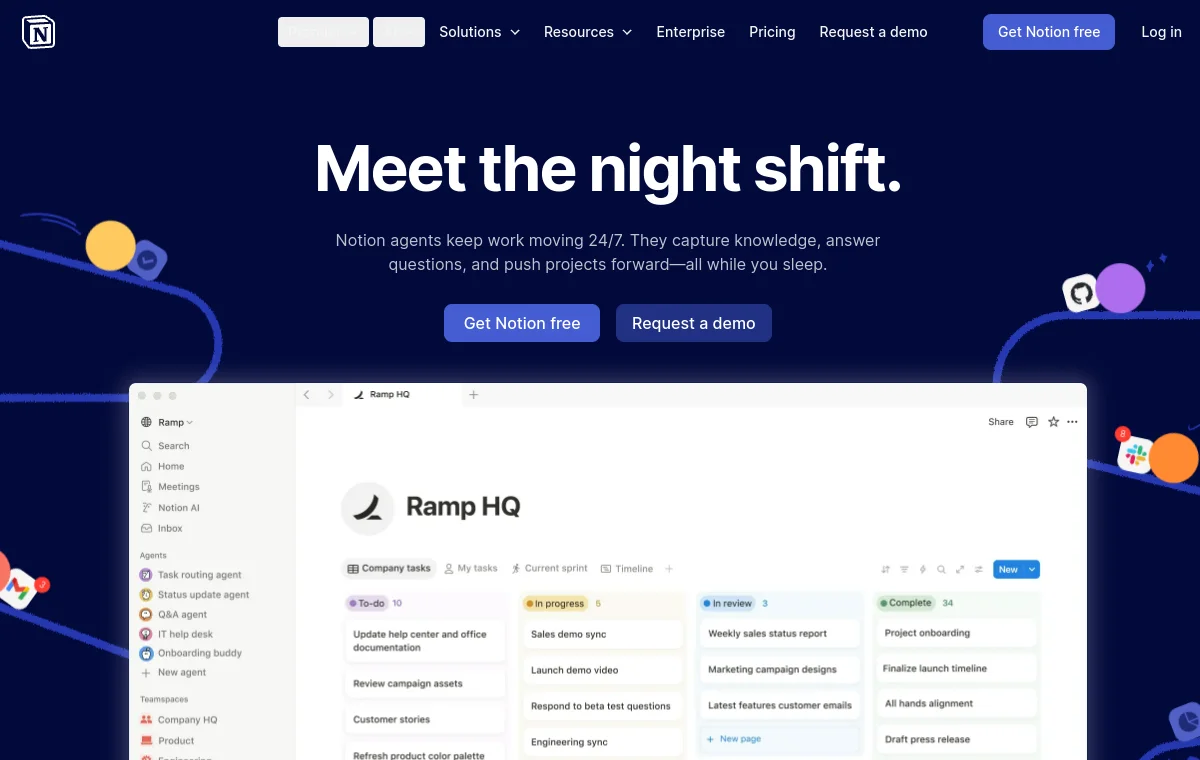 DESIGN.md
notion.com · website Design MD
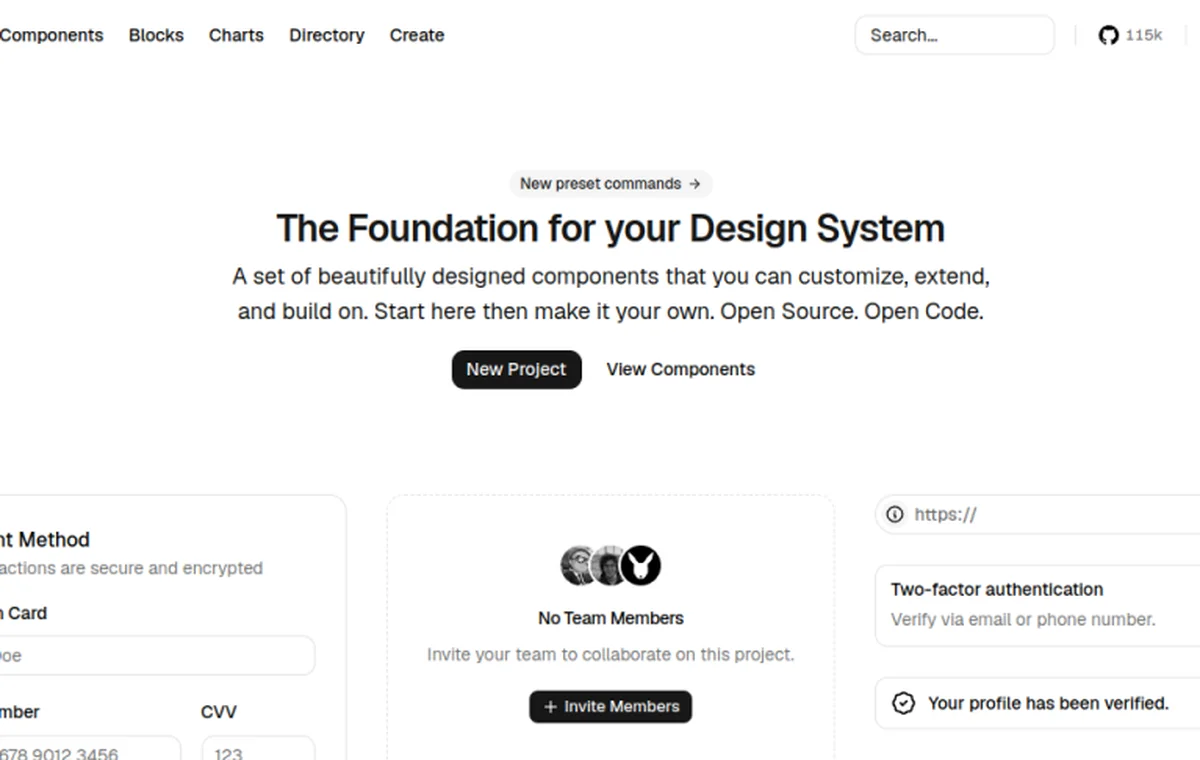 DESIGN.md
ui.shadcn.com · website Design MD
 DESIGN.md
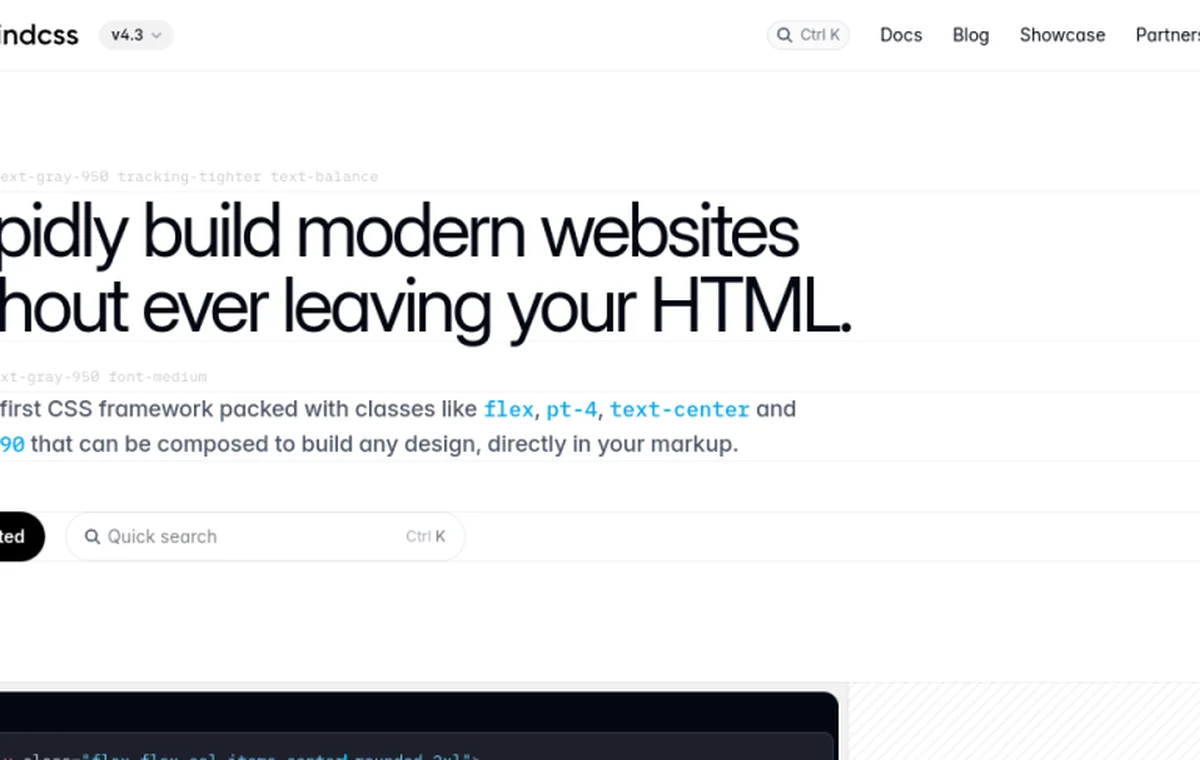
tailwindcss.com · website Design MD
 DESIGN.md
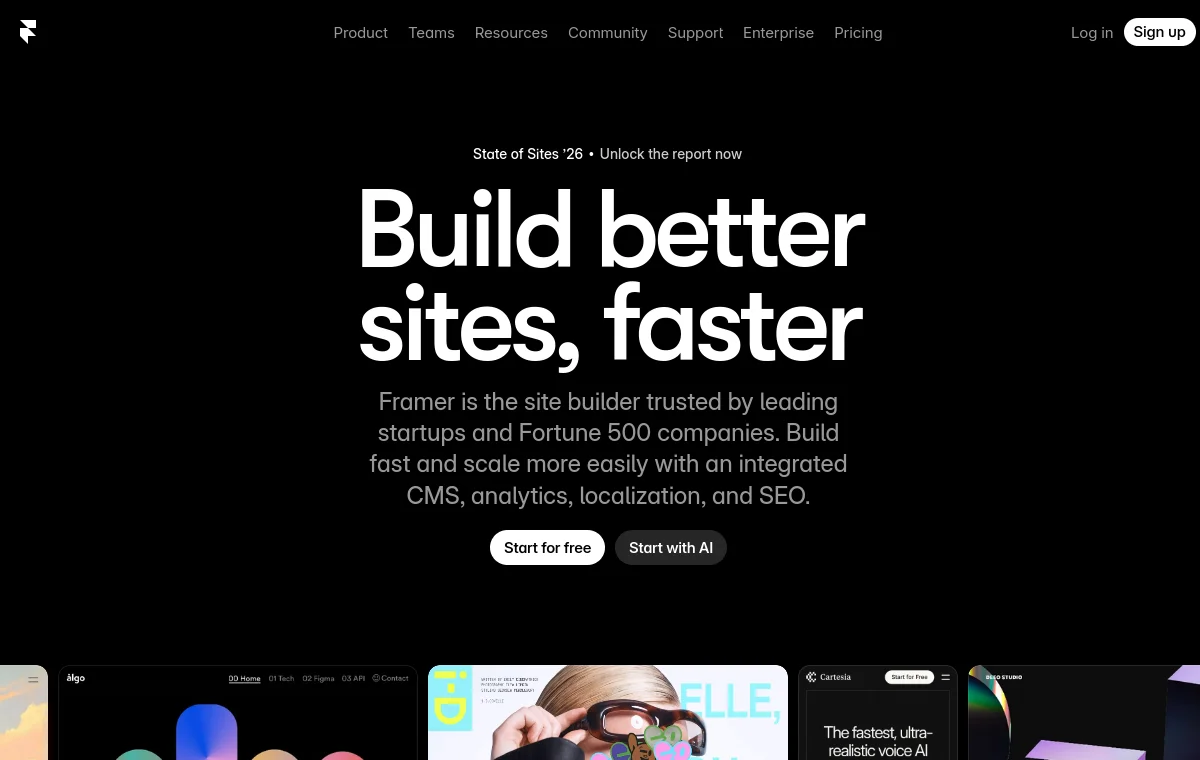
framer.com · website Design MD
 DESIGN.md
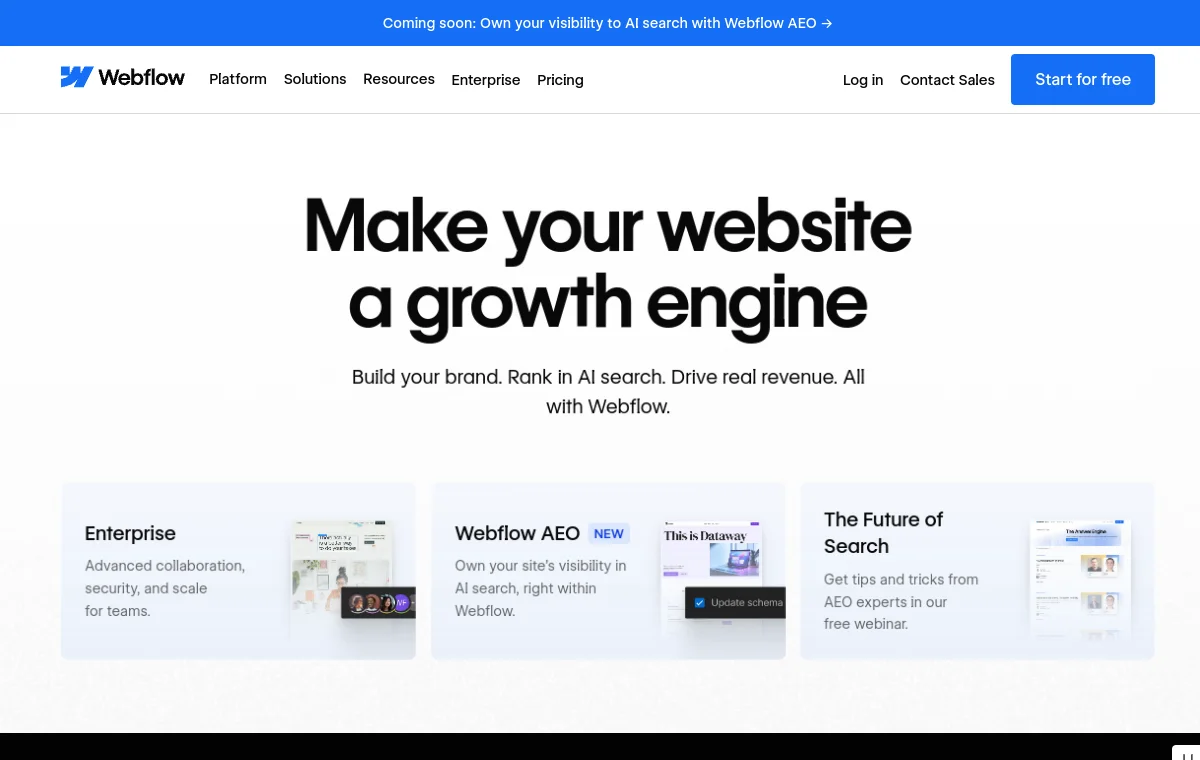
webflow.com · website Design MD
 DESIGN.md
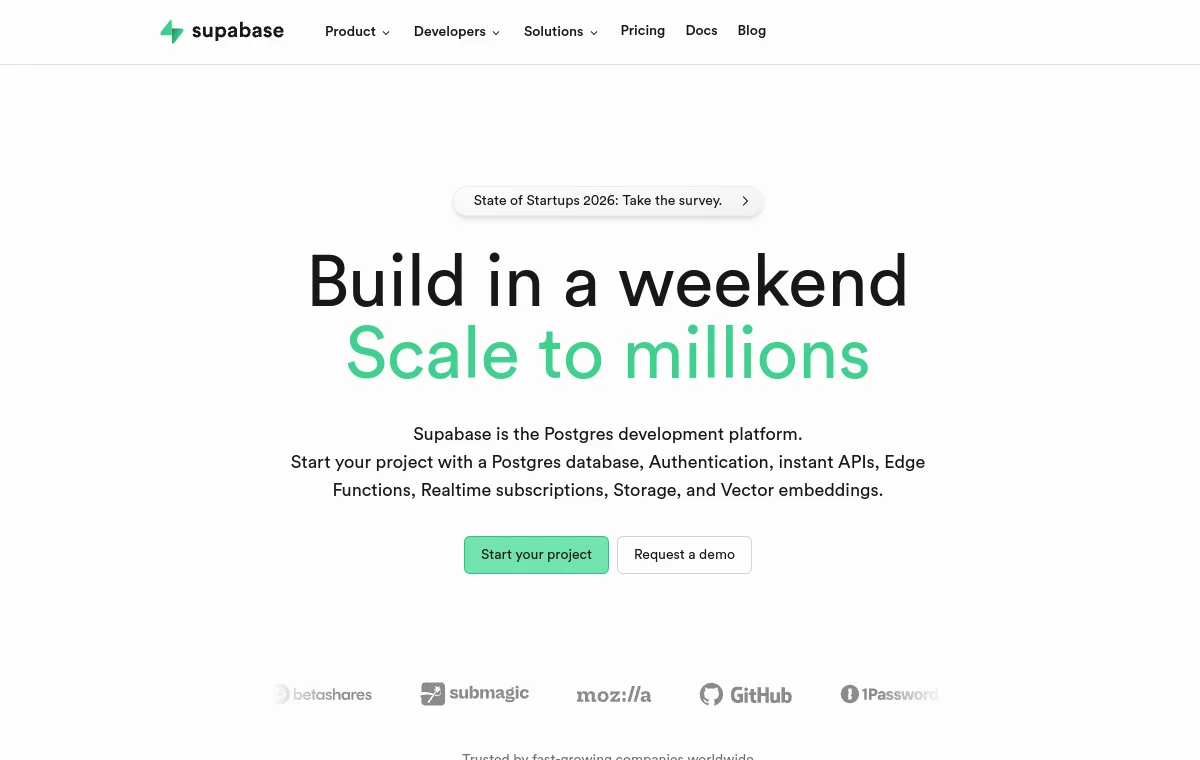
supabase.com · website Design MD
 DESIGN.md
resend.com · website Design MD
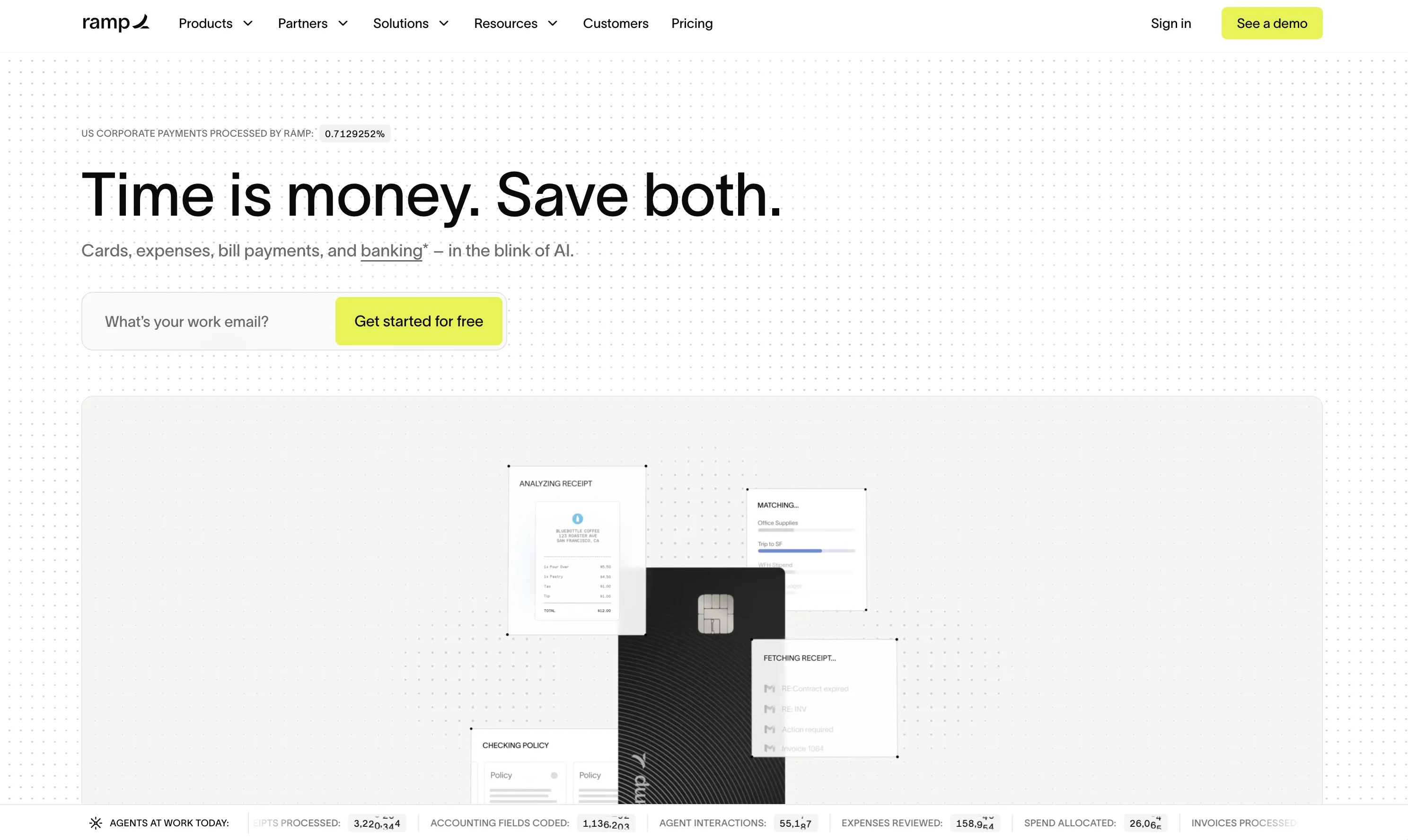 DESIGN.md
ramp.com · website Design MD
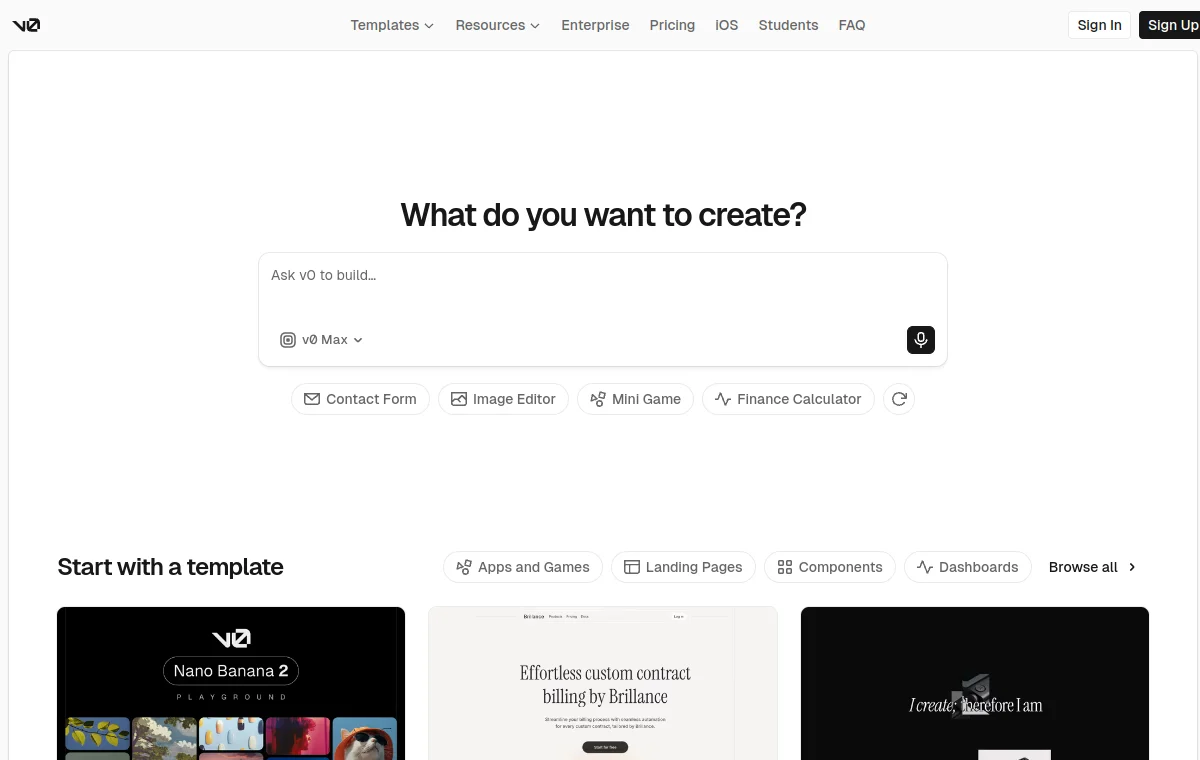 DESIGN.md
v0.dev · website Design MD
Browse by tag
Start with a focused collection, then choose the Design MD example that fits your product.
Templates
Next.js and Tailwind CSS templates for SaaS dashboards, admin panels, analytics and AI apps. Each kit includes DESIGN.md, agent-ready context and source code in one ZIP.
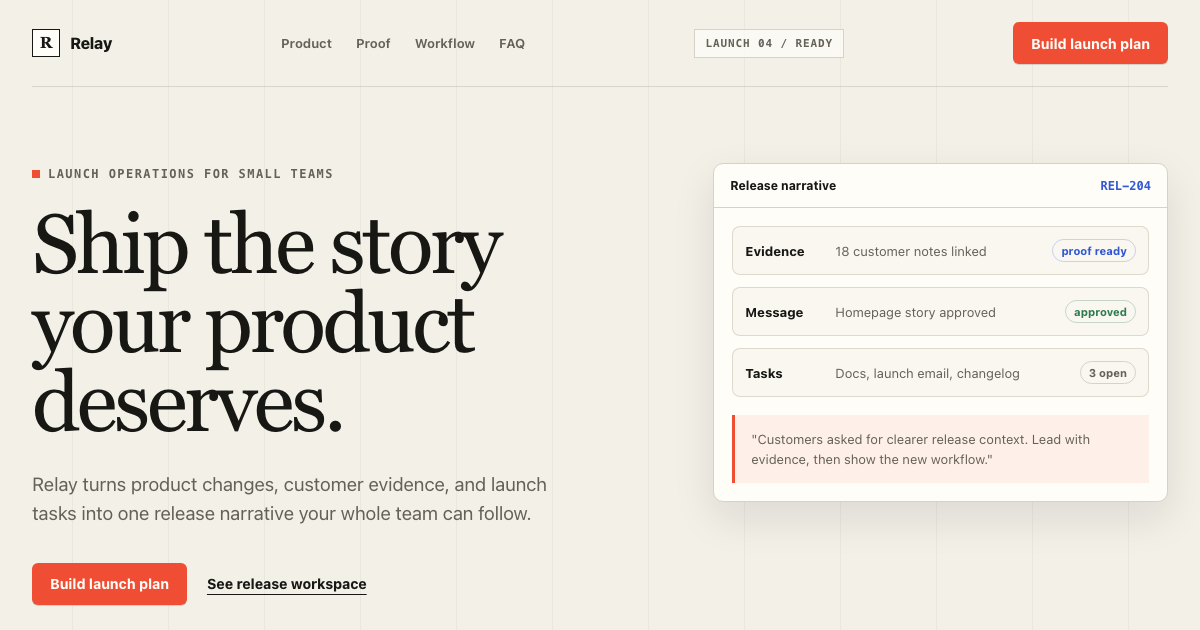 Free
FreeTemplate kit by DesignMD
Free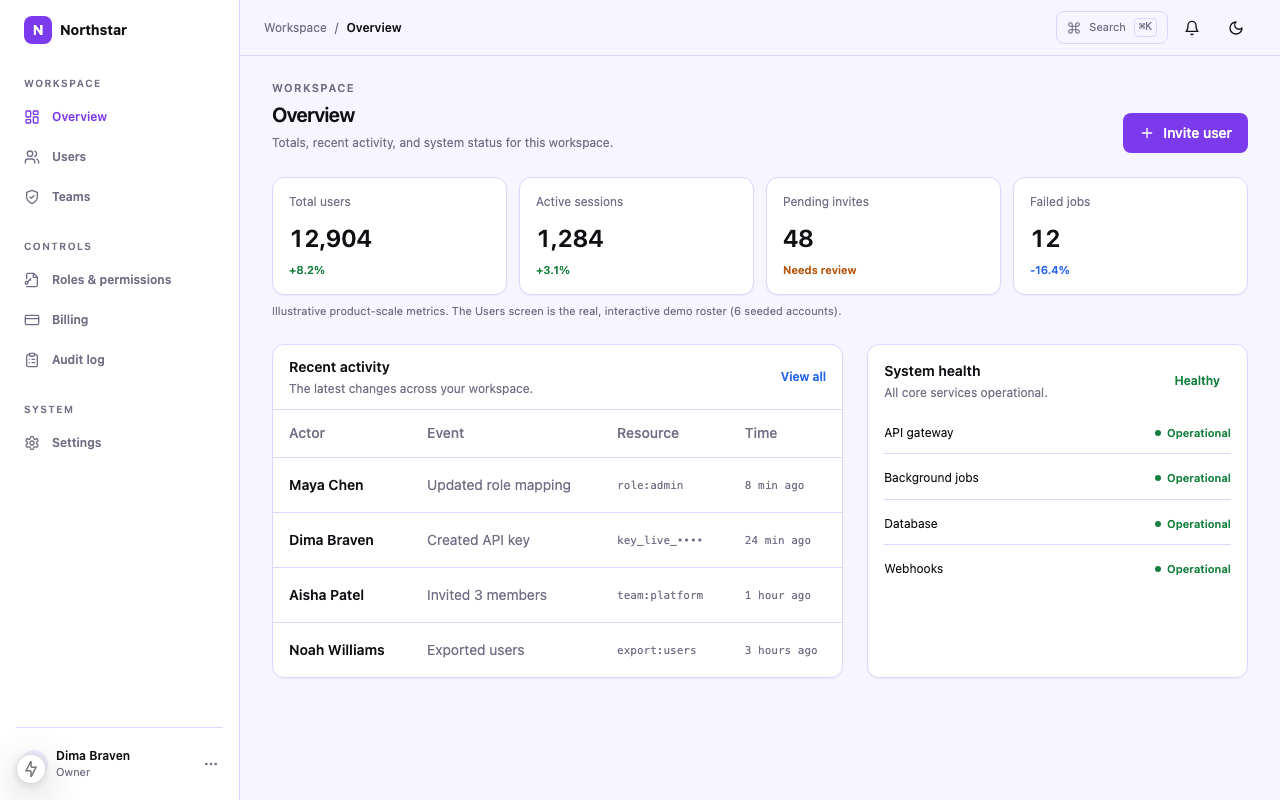 $49
$49Template kit by DesignMD
shadcn DESIGN.md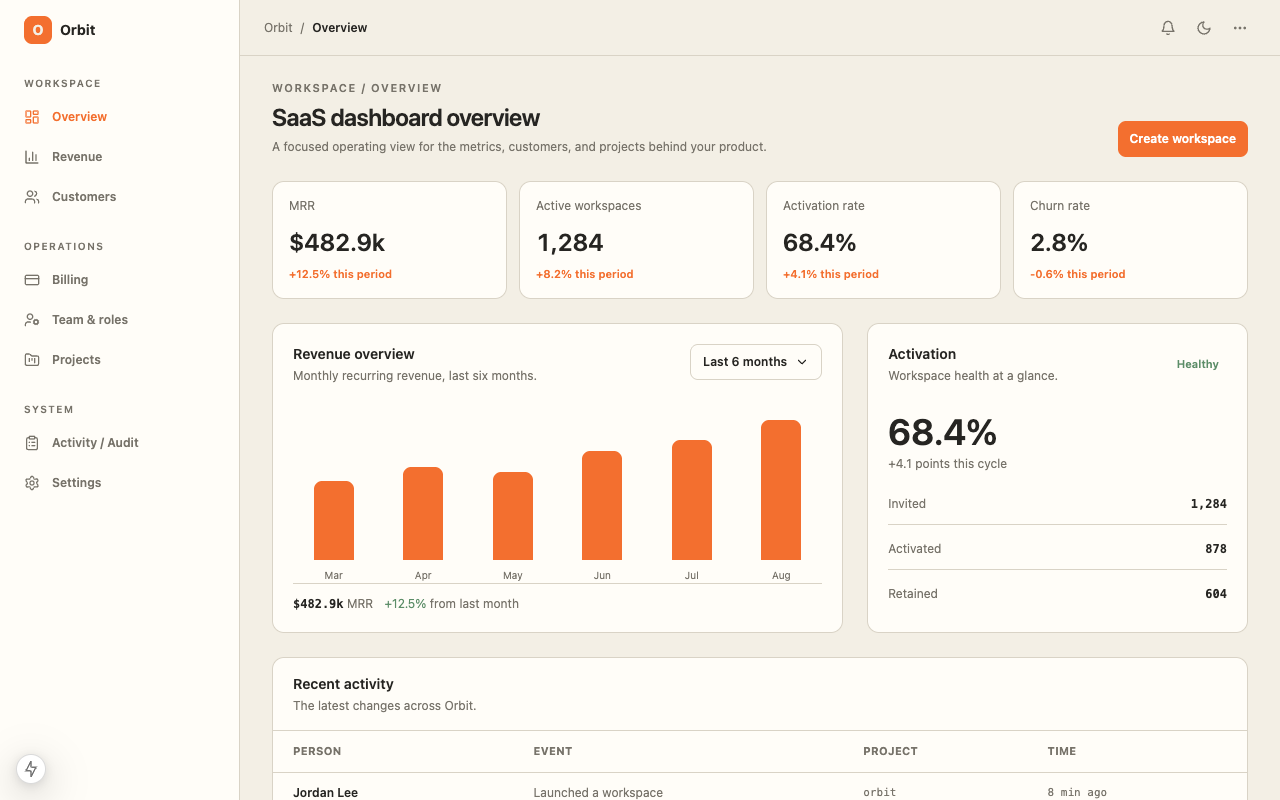 $39
$39Template kit by DesignMD
shadcn DESIGN.md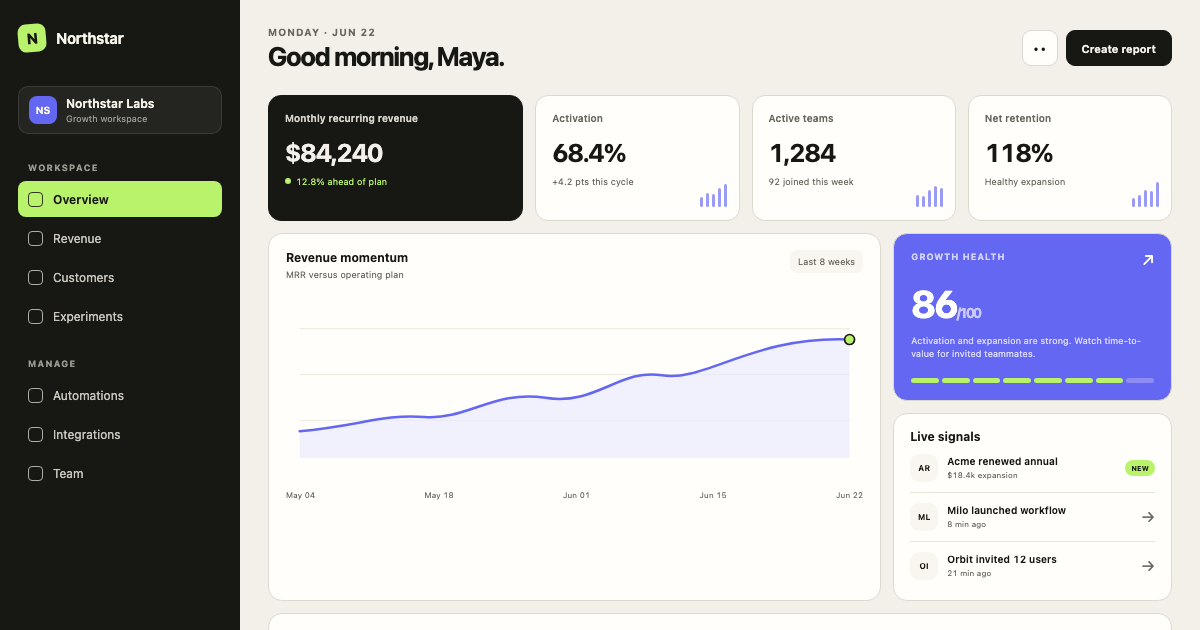 $39
$39Template kit by DesignMD
shadcn DESIGN.md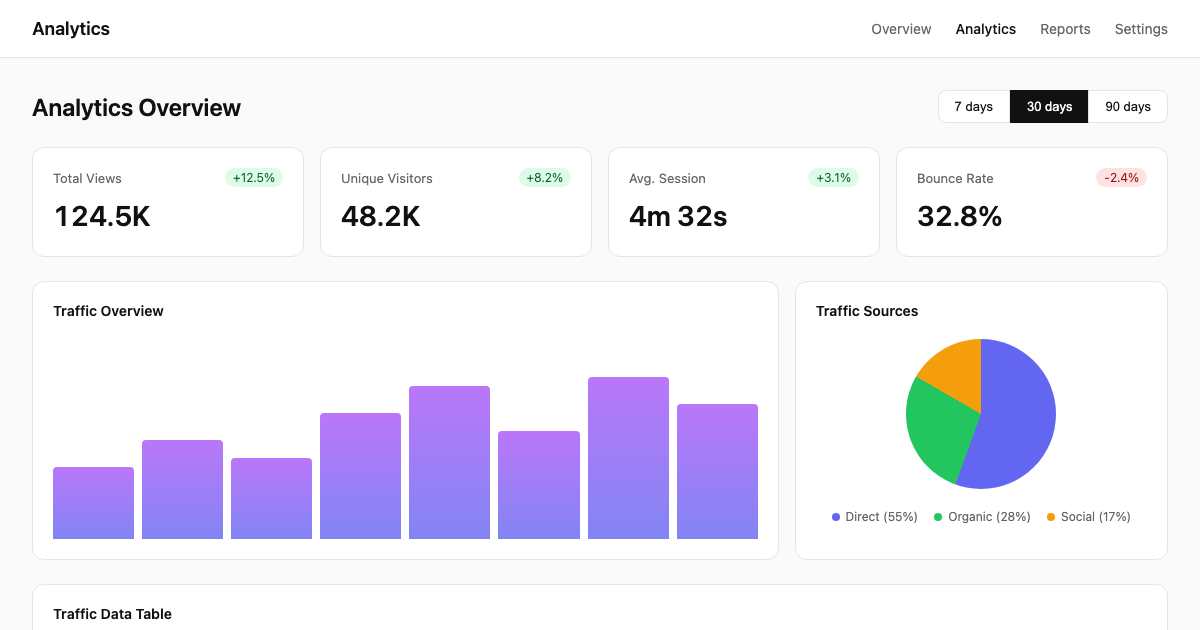 $39
$39Template kit by DesignMD
shadcn DESIGN.md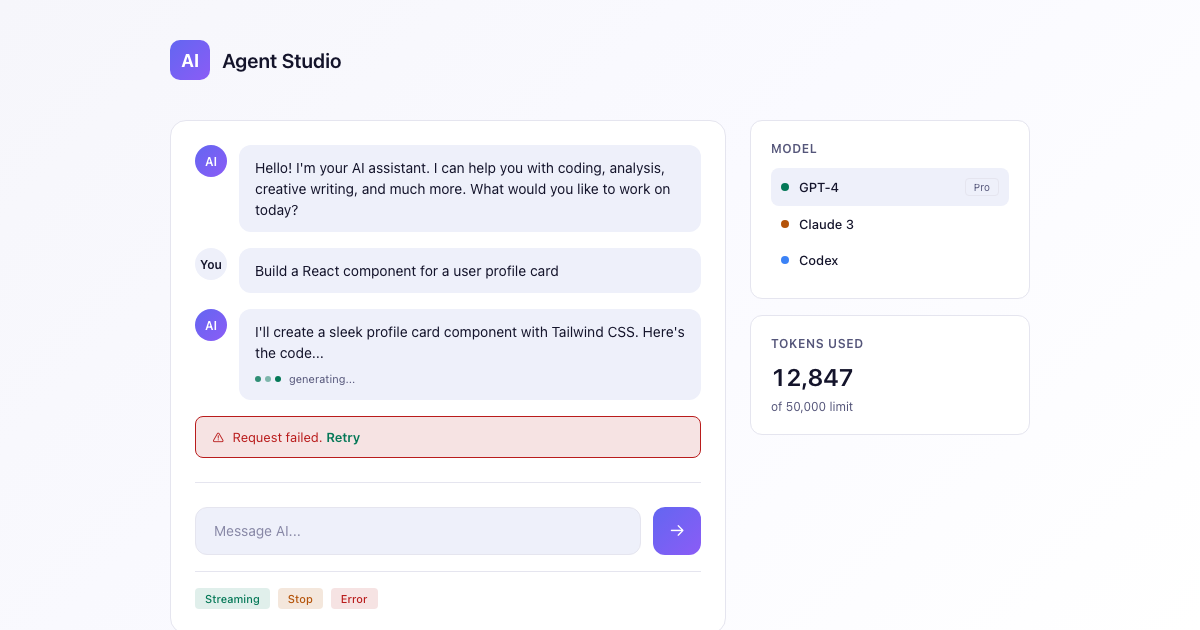 $29
$29Template kit by DesignMD
shadcn DESIGN.mdDesign skills
Reusable visual styles, layout systems and design workflows for AI coding agents.
Audit a UI or design against WCAG 2.2 AA/AAA and ARIA patterns, returning criterion-referenced findings with severity and specific fixes.
Result: A more usable interface with fewer avoidable contrast, focus, and interaction failures.
Run a comprehensive WCAG accessibility audit covering perceivable, operable, understandable, and robust principles.
Result: A more usable interface with fewer avoidable contrast, focus, and interaction failures.
Add the Shaders WebGPU mouse effect used for the Tidal Commons hero: a white twinkling halftone cursor trail driven by ChromaFlow, masked through a DotGrid, finished with chromatic ripples a
Result: A 3D-led interface that supports the message instead of competing with it.
Create a minimal agency design system with a disciplined editorial grid, oversized typography, quiet uppercase utility labels, restrained image blocks, and subtle structural detail.
Result: Screens that feel intentional and consistent instead of assembled from generic defaults.
Conversational AI-first interface with minimal controls, clear outcomes, and delegated task flows for agentic workflows.
Result: Screens that feel intentional and consistent instead of assembled from generic defaults.
Guide for creating logos, brand identities, and visual assets using AI tools , covers tool selection, prompt engineering, vectorization pipelines, mockups, automation, and IP safety.
Result: A product surface that looks recognizably yours, not like a generic UI kit.
Design MD for your agent
DESIGN.md is the visual layer of your repository instructions. Use it wherever your agent reads and writes frontend code.
Popular guides
Highest-demand guides from DesignMD traffic — stack + agent workflows first.
Keep shadcn/ui fast without letting the product feel generic.
Stop Tailwind-generated UI from collapsing into utility soup.
Use stable design memory instead of rewriting visual rules every chat.
Pair AGENTS.md engineering rules with DESIGN.md visual constraints.
FAQ
Get Next.js source, design tokens and agent context in one ready-to-code kit.