Droid
DESIGN.md for Factory Droid
Give Factory Droid a durable visual contract so CLI-driven implementation follows your product system instead of inventing UI defaults.
 Dima Braven5 min read
See it in practice
Related DESIGN.md references
Curated directory entries with practical workflows and visual contracts — not blog posts.
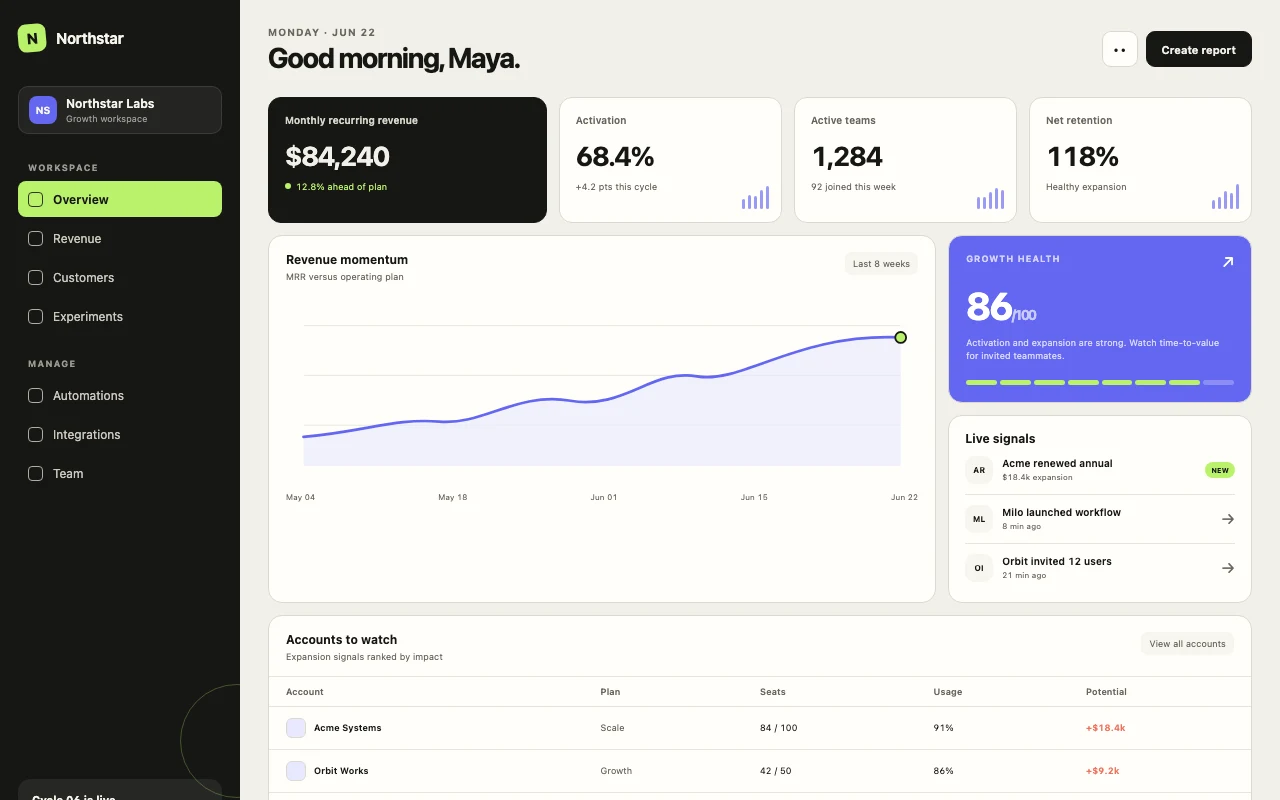
Droid and the repository contract
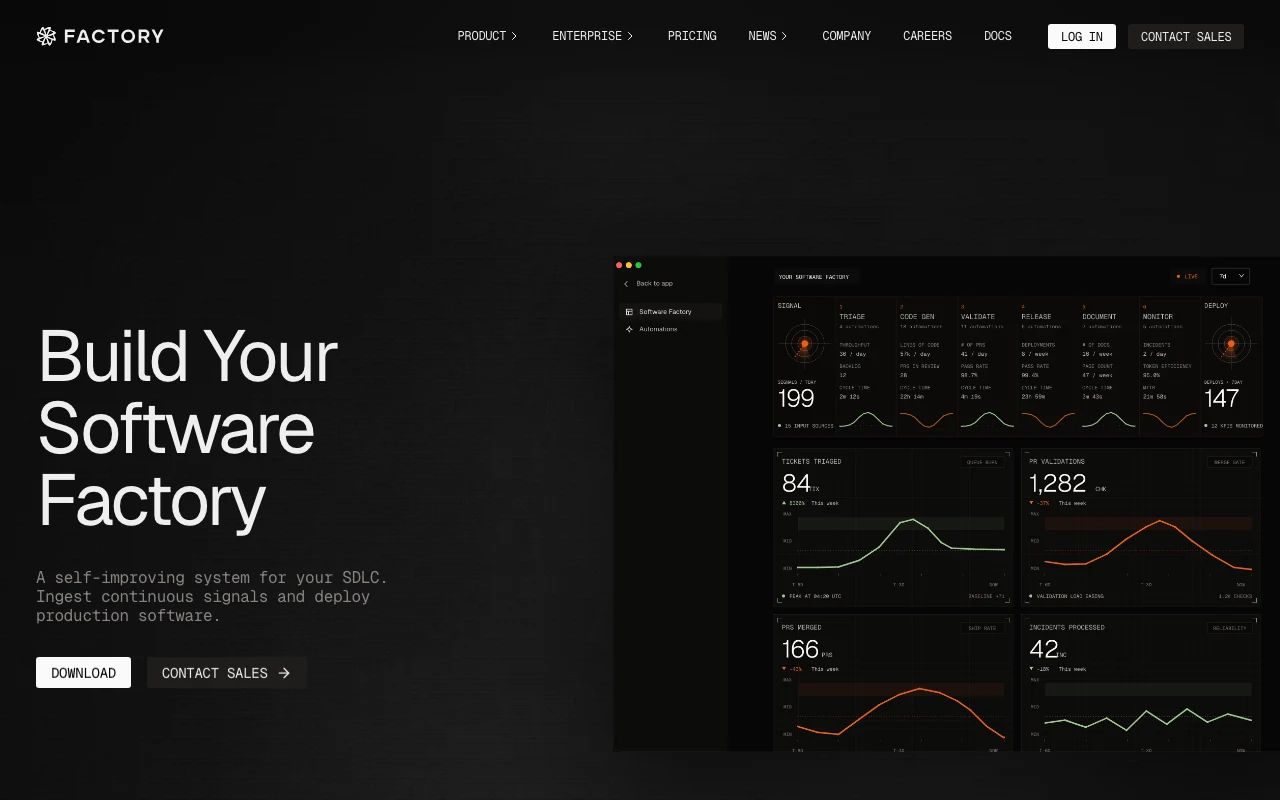
Factory Droid is the command-line agent in Factory's workflow. CLI access makes it natural to work from an existing repository, which is exactly where DESIGN.md is most valuable: it gives the agent visual constraints before it edits a production surface.
- Keep DESIGN.md committed with the application
- Name it in the task before asking for UI changes
- Ask for browser and test verification after implementation
Start with the existing system
Droid should inspect the nearest page, shared components, and token definitions before adding anything new. Tell it to reuse primitives and to treat DESIGN.md as a constraint on hierarchy, density, states, and motion—not as a reason to rewrite the whole application.
Read DESIGN.md and the existing UI primitives first.Implement this screen with the current tokens and patterns.Do not introduce a second card, button, or spacing system.Make UI acceptance criteria explicit
A good Droid task names the visual states that are easy to forget: loading, empty, error, disabled, focus-visible, narrow viewport, and long content. DESIGN.md can define the defaults while the task names the route-specific behavior.
## Forms- Labels use sentence case.- Errors explain the fix, not only the failure.- Focus-visible states must remain visible on light and dark surfaces.A practical review loop
After Droid finishes, compare the new surface with one established screen. Look for accidental gradients, inconsistent radii, oversized headings, and controls with weak hit areas. If the result is technically correct but visually wrong, update the rule once and reuse it in the next session.
One design contract for many droids
Factory supports more than a single interactive terminal session. Its workflow includes missions, custom droids, headless execution, hooks, skills, and integrations. That makes a shared DESIGN.md particularly valuable: a planning droid, an implementation droid, a knowledge-oriented droid, and a reliability or QA droid can all evaluate the same interface against the same product language. The roles may differ, but the visual contract should not.
For a larger feature, let the planning step identify the screens and existing primitives first. Let an implementation droid build the route, then ask a reliability-oriented pass to check keyboard access, loading and error states, and responsive behavior. A product or knowledge pass can check whether labels, hierarchy, and empty states make sense for the people using the feature. DESIGN.md gives each pass a common vocabulary: the same density scale, semantic colors, radius rules, and prohibited patterns. Without it, the final surface can be technically reviewed by several agents and still feel assembled from unrelated parts.
| Factory workflow | Without DESIGN.md | With DESIGN.md |
|---|---|---|
| Planning droid | Plans a page around generic dashboard patterns. | Maps the feature to the product’s actual layout and density rules. |
| Implementation droid | Introduces new tokens or duplicate primitives. | Reuses the named components and semantic tokens. |
| QA/reliability droid | Checks behavior but misses visual drift. | Checks behavior plus the explicit visual acceptance criteria. |
| Headless/CI run | Generates output with little product context. | Uses repository guidance that survives non-interactive execution. |
## Agent handoffPlanning identifies the nearest page pattern.Implementation preserves tokens and primitives.Review checks hierarchy, contrast, focus, empty, error, and mobile states.No new visual language without a documented design decision.Turn missions into visual checkpoints
A Factory mission can coordinate a larger feature, but orchestration alone does not guarantee a coherent interface. Give the mission checkpoints that are visible in the design file: identify the target page pattern, implement with existing primitives, inspect the complete set of states, and summarize any decision that could not be resolved from the repository. These checkpoints let the orchestrator delegate without turning each worker into a separate art director.
Custom droids are useful when a team wants a repeatable role. A planning droid can map requirements to screens and components. An implementation droid can make the code change. A review droid can inspect semantics, keyboard behavior, contrast, and responsive collapse. A product-oriented droid can read the result as a user journey and catch labels or empty states that technically render but do not explain what to do next. DESIGN.md should give all of them the same terms for hierarchy, tone, density, color meaning, and motion.
For headless or CI execution, keep the visual contract concrete. The agent cannot ask a designer a quick question in the middle of a pipeline, so ambiguous rules should cause a report and a stop rather than an invented solution. When a mission finishes, its handoff should include changed routes, screenshots or URLs reviewed, known limitations, and any proposed update to DESIGN.md. That makes autonomous work auditable and makes future missions faster.
Before completion:1. Compare the result with the nearest established screen.2. Check loading, empty, error, disabled, focus-visible, and mobile states.3. Confirm no new token or primitive was introduced without justification.4. Report unresolved visual decisions for human review.This approach also makes Factory’s model flexibility safer. A mission can route planning, implementation, and review to different models without changing the product’s visible language. The model can be optimized for the subtask; DESIGN.md remains the shared memory that makes the combined result feel intentional.
Keep the handoff close to the code change. A future droid should be able to see which rule was applied, which state was checked, and which question remains open without reconstructing the entire mission transcript. That is how multi-droid workflows become repeatable engineering rather than a collection of impressive but disconnected outputs.
Use DESIGN.md with a real product reference
Browse curated DESIGN.md examples from product teams, design systems, developer tools, SaaS dashboards, and AI-native apps. Use them as references before your agent builds the next screen.
Related guides
DESIGN.md for Kiro
How to use DESIGN.md with Kiro, the AWS agentic IDE built around specs, steering, hooks, and production-minded implementation.
DESIGN.md for Devin Desktop (formerly Windsurf)
How to use DESIGN.md with Devin Desktop, the next generation of Windsurf, so agentic edits follow your product design system instead of default editor taste.
DESIGN.md for Bolt
How DESIGN.md helps bolt.new generate full-stack browser apps with stronger UI direction, cleaner components, and less generic styling.
Frequently asked questions
Is Droid the same as Factory?
Factory is the platform and Droid is its coding-agent interface, including the official CLI workflow.
Where does DESIGN.md belong for Droid?
Put it in the repository or docs directory and reference it from the task or AGENTS.md.
What should a Droid UI review include?
Check existing primitives, all important component states, responsive behavior, accessibility, and visual consistency with a nearby screen.