Amp
DESIGN.md for Amp
Use DESIGN.md with Amp threads and remote agents to preserve product taste across fast, collaborative coding sessions.
 Dima Braven5 min read
See it in practice
Related DESIGN.md references
Curated directory entries with practical workflows and visual contracts — not blog posts.
Amp works best with repository context
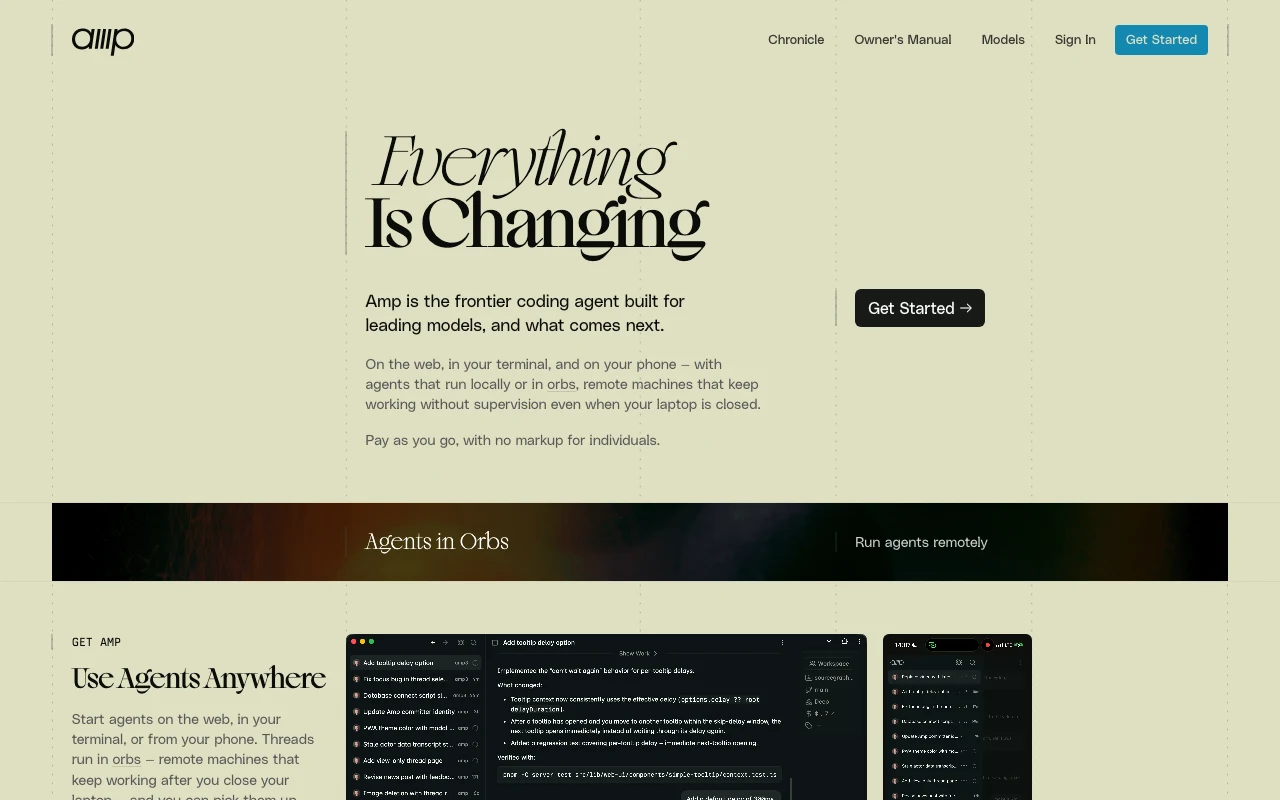
Amp is a coding agent built around threads, repository context, and remote agent workflows. A design file gives those sessions durable context that would otherwise be lost when a thread ends or another engineer picks up the work.
- Read DESIGN.md before planning UI
- Reference existing components before inventing new ones
- Keep corrections in the file for the next thread
Use AGENTS.md and DESIGN.md together
AGENTS.md can tell Amp how to operate in the repository; DESIGN.md tells it how the output should look. This separation keeps prompts short and lets the same visual rules work with other agents.
For user-facing changes, read DESIGN.md first.Run the project lint, typecheck, and tests before handoff.A strong Amp thread opener
Open with the product goal, the target route, and the design contract. Ask Amp to cite the existing pattern it will reuse and to list the states it will verify. That turns a fast thread into a reviewable implementation plan.
Read DESIGN.md and inspect the existing page pattern.Implement the smallest coherent change.Verify focus, loading, empty, error, mobile, and reduced-motion behavior.Make the next thread better
If Amp repeatedly chooses the wrong spacing, color, or component variant, update DESIGN.md with a concrete rule and an example. A repository-level correction compounds across threads, teammates, and remote agents.
Use thread handoffs as design memory
A useful Amp handoff contains more than “implemented.” Name the route, the components reused, the design rules that mattered, and the states checked. If a subagent or Oracle helped with a decision, record the conclusion in plain language rather than assuming the next thread can recover it from hidden context. This makes the visual reasoning portable between the CLI, editor integrations, and shared web threads.
Keep one thread focused on one coherent task. A thread that first changes CSS, then rewrites an unrelated API, and finally returns to a form is difficult to review because its context becomes noisy. For a UI task, ask Amp to inspect localhost when possible and compare the new screen with a nearby established surface. The review should look at hierarchy and interaction, not only whether the route compiles.
DESIGN.md should remain the durable layer. Threads are excellent for exploration and collaboration; the repository is where a product decision becomes repeatable. When a correction is likely to matter again, update the rule and include the file path in the handoff. The next agent can then start from a better baseline instead of repeating the same visual mistake.
- Route and user outcome
- Existing pattern and tokens reused
- States verified in the browser
- Open questions and proposed DESIGN.md updates
That discipline is especially useful when a team shares threads. A later contributor can continue from the implementation and the design contract, while a future agent can use the same files without depending on a private conversation. Threads stay fast; the repository steadily becomes more precise.
For visual work, include one sentence about what should not change. For example: preserve the existing button hierarchy, keep the table density, or do not introduce a new accent color. Negative constraints are often more valuable than another adjective because they stop a fast agent from filling an ambiguous gap with a familiar default.
A strong Amp handoff also names the next safe step: open the route, compare it with the reference screen, or update one rule before starting another thread. This gives collaborators a concrete way to continue without reopening every prior decision.
The payoff compounds: each thread can stay focused, while the repository becomes a clearer guide for the next agent, teammate, and review. DESIGN.md is the durable shared context; the thread is the fast workspace for applying it.
Use DESIGN.md with a real product reference
Browse curated DESIGN.md examples from product teams, design systems, developer tools, SaaS dashboards, and AI-native apps. Use them as references before your agent builds the next screen.
Related guides
DESIGN.md for Kiro
How to use DESIGN.md with Kiro, the AWS agentic IDE built around specs, steering, hooks, and production-minded implementation.
DESIGN.md for Devin Desktop (formerly Windsurf)
How to use DESIGN.md with Devin Desktop, the next generation of Windsurf, so agentic edits follow your product design system instead of default editor taste.
DESIGN.md for Bolt
How DESIGN.md helps bolt.new generate full-stack browser apps with stronger UI direction, cleaner components, and less generic styling.
Frequently asked questions
Why use DESIGN.md with Amp?
It preserves visual context across threads and collaborators instead of relying on one chat history.
What belongs in the first Amp prompt?
The target route, the relevant existing component pattern, the instruction to read DESIGN.md, and the states to verify.
How should repeated mistakes be fixed?
Turn them into explicit, example-backed rules in DESIGN.md so future threads inherit the correction.