Devin Desktop
DESIGN.md for Devin Desktop (formerly Windsurf)
How to use DESIGN.md with Devin Desktop, the next generation of Windsurf, so agentic edits follow your product design system instead of default editor taste.
 Dima Braven8 min read
See it in practice
Related DESIGN.md references
Curated directory entries with practical workflows and visual contracts — not blog posts.
Windsurf is now Devin Desktop
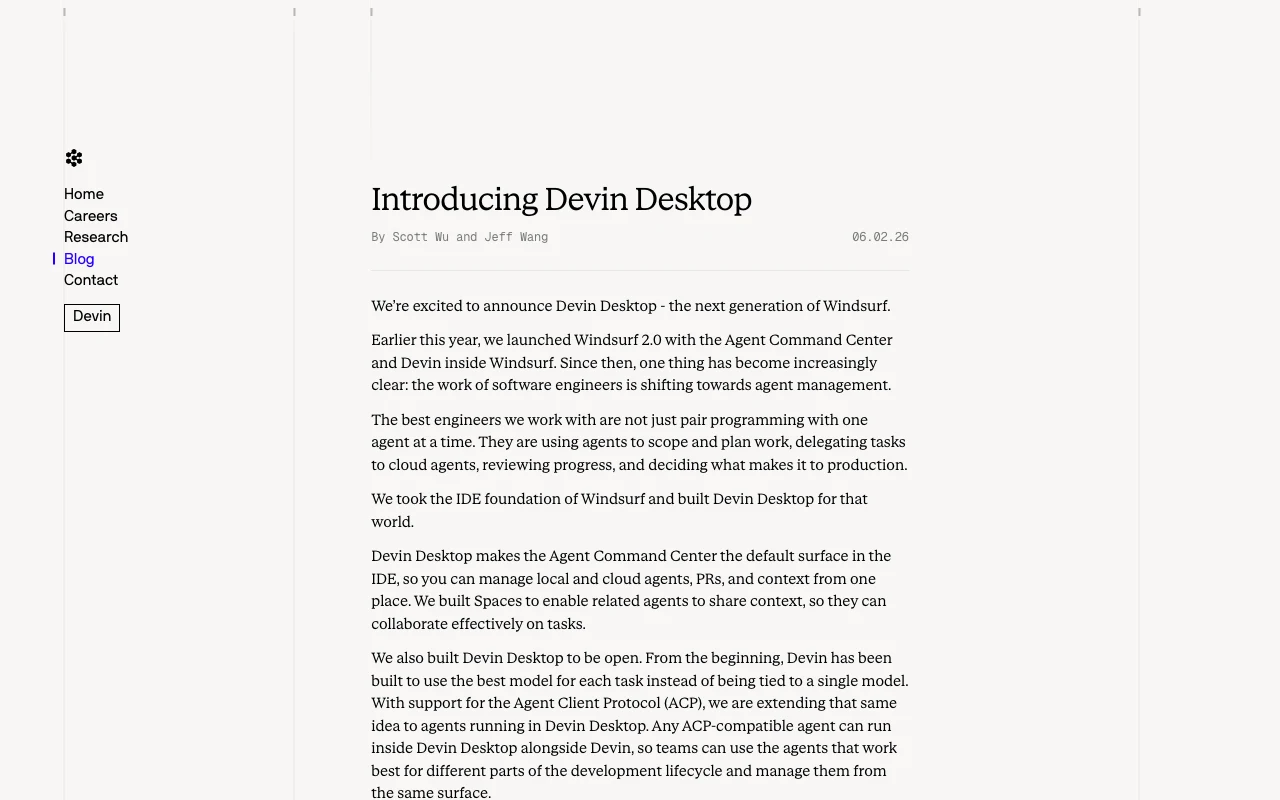
If you searched for what happened to Windsurf, the short answer is that Cognition announced Devin Desktop as its next generation on June 2, 2026. The product direction moved from an AI-first editor identity toward an agent-management workspace. Existing Windsurf users were moved through the product update with their plans and repository workflows preserved, while the new default surface became the Agent Command Center.
The Agent Command Center is designed to manage local and cloud agents, pull requests, and shared context in one place. Spaces let related agents share context, and Agent Client Protocol (ACP) support allows compatible agents to run alongside Devin. The IDE foundation remains important: extensions, keybindings, language servers, terminal workflows, and the familiar editor surface remain available for last-mile review.
Bind Devin Local to DESIGN.md
Devin Desktop can coordinate broad work, but a UI task still needs a precise visual contract. Keep DESIGN.md in the repository and mention it at the beginning of a task. Ask Devin Local to read the file and inspect existing components before it plans. This prevents a multi-file change from turning into an accidental redesign and gives the agent a clear way to resolve small decisions about hierarchy, density, states, and motion.
Read AGENTS.md for engineering rules and DESIGN.md for visual rules.Inspect the closest existing component before planning.Implement the smallest coherent change with existing tokens and primitives.Verify desktop, mobile, loading, empty, error, focus-visible, and reduced-motion states.The prompt should name the route and the outcome, but it should not duplicate the whole design file. If the task conflicts with DESIGN.md, ask the agent to explain the conflict before editing. That short pause is valuable when Devin is managing several agents at once: the team can decide whether the product rule is outdated or the requested feature needs a different pattern.
Use the command center without visual drift
Agent management makes it tempting to split a feature into many parallel tasks. Split by surface and acceptance criteria: one task can handle the page shell, another the table states, and another the responsive pass. Every task should reference the same DESIGN.md and the same established primitives. When the changes return, review the seams between them: spacing between sections, duplicated controls, inconsistent labels, and different interpretations of semantic color.
| Devin workflow | Without DESIGN.md | With DESIGN.md |
|---|---|---|
| Local edit | A fast edit makes a plausible but off-brand component. | The edit reuses named tokens and existing patterns. |
| Cloud agent | A larger task invents its own spacing and states. | The task inherits the same visual acceptance criteria. |
| ACP agent | A compatible agent adds a second visual language. | ACP participants follow the repository contract too. |
| Human review | The reviewer reconstructs intent from a diff. | The reviewer compares the result against explicit rules. |
What a Devin-ready DESIGN.md contains
Include a concise product mood, semantic color roles, typography, spacing rhythm, radius and shadow rules, component variants, page patterns, accessibility requirements, and explicit anti-patterns. Add examples for the surfaces Devin is likely to touch: dashboards, tables, forms, settings, detail pages, empty states, and error states. A rule such as “use the primary color only for the primary action” is more useful than a palette with no usage guidance.
Finally, describe the review contract. Devin should preserve existing primitives, list the affected routes, verify key states, and report anything it could not inspect. The best result is not a dramatic new style; it is a series of fast, coherent changes that still look like one product after several agents have worked on it.
Use DESIGN.md with a real product reference
Browse curated DESIGN.md examples from product teams, design systems, developer tools, SaaS dashboards, and AI-native apps. Use them as references before your agent builds the next screen.
Related guides
DESIGN.md for Kiro
How to use DESIGN.md with Kiro, the AWS agentic IDE built around specs, steering, hooks, and production-minded implementation.
DESIGN.md for Bolt
How DESIGN.md helps bolt.new generate full-stack browser apps with stronger UI direction, cleaner components, and less generic styling.
DESIGN.md for OpenCode
Use DESIGN.md with OpenCode to keep open-source, provider-agnostic coding sessions visually consistent across terminal, IDE, and desktop workflows.
Frequently asked questions
What happened to Windsurf?
Cognition announced Devin Desktop as the next generation of Windsurf on June 2, 2026. Cascade was retired on July 1, 2026 and the local implementation role moved to Devin Local; the Agent Command Center and ACP are now central to the workflow.
Where should DESIGN.md live?
Put it in the repository root or a clearly named docs directory that the agent can read before planning UI work.
What should Devin verify after a UI change?
Ask it to verify the existing component primitives, responsive states, focus states, loading and empty states, and the routes affected by the change.