Best DESIGN.md templates DESIGN.md for AI coding agents

All 6 DESIGN.md template kits compared: a free landing page, paid SaaS and admin dashboards, an analytics dashboard, and an AI app starter — with real prices, page counts, and stack.
Template comparison
All 6 DESIGN.md template kits, compared
One free landing page and five paid kits for dashboards, admin panels, and AI apps. Every kit ships full Next.js + Tailwind source, a DESIGN.md file, token exports, and an implementation prompt — not just a screenshot.
FreeLanding Page DESIGN.md
Template kit by DesignMD
FreeBest for: Starting for free, or learning the DESIGN.md format before buying a paid kit
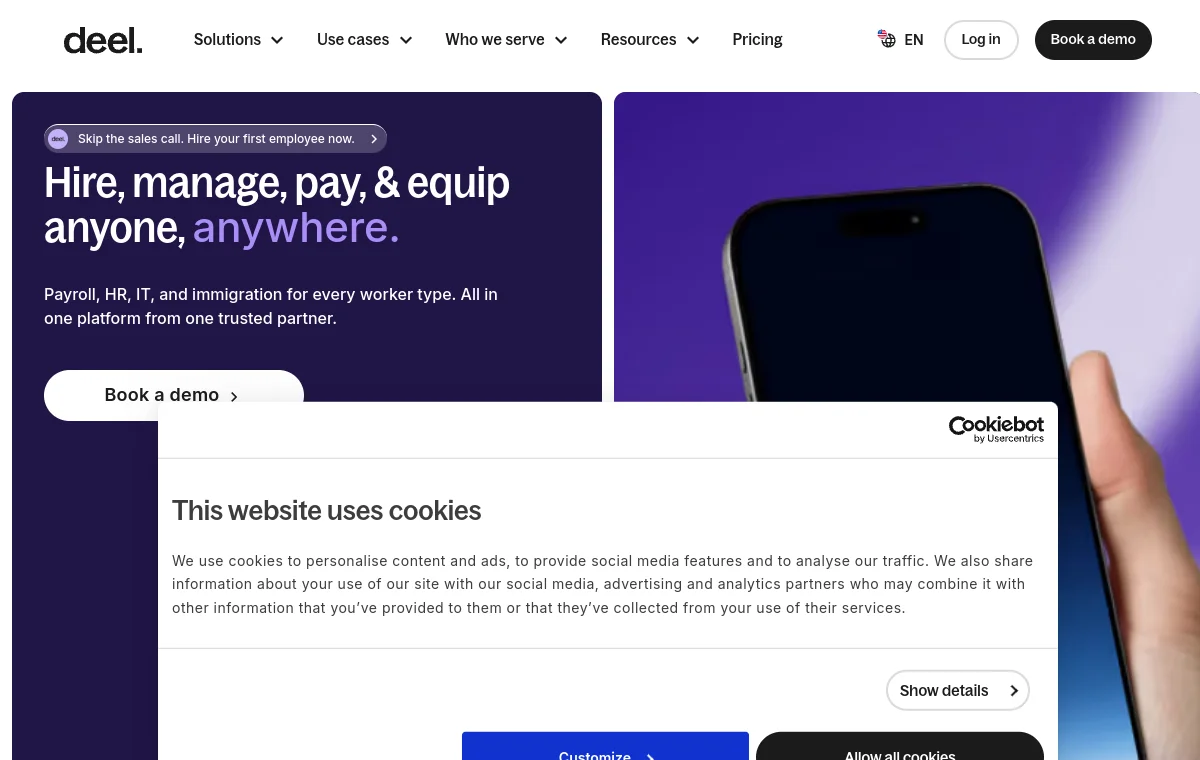
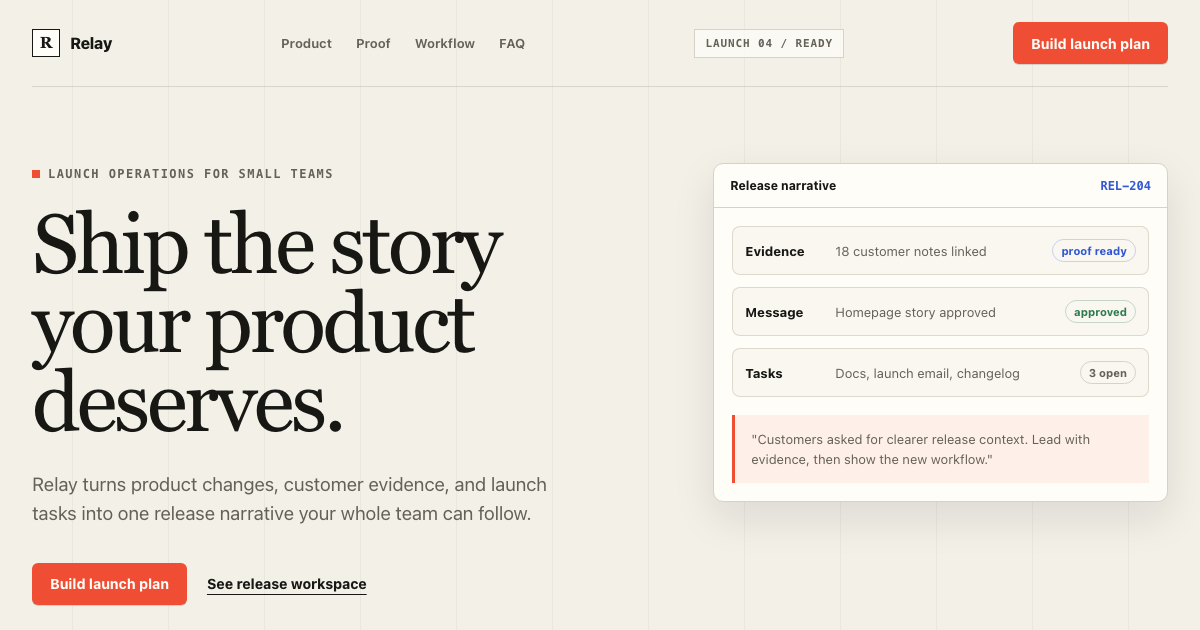
The free example kit. Full marketing sections — hero, feature grid, pricing, FAQ, CTA band — plus the complete DESIGN.md, tokens, and an implementation prompt. This is the one to open first: it shows exactly what a template kit includes before you pay for one.
 $49
$49Admin Panel DESIGN.md
Template kit by DesignMD
shadcn DESIGN.mdBest for: Internal tools, back-office dashboards, and data-heavy admin surfaces
The largest kit — 8 pages and a dense component set built on shadcn/ui: data tables, sidebars, command menus, and settings screens. Pick this when the product is mostly tables, filters, and bulk actions rather than marketing surfaces.
 $39
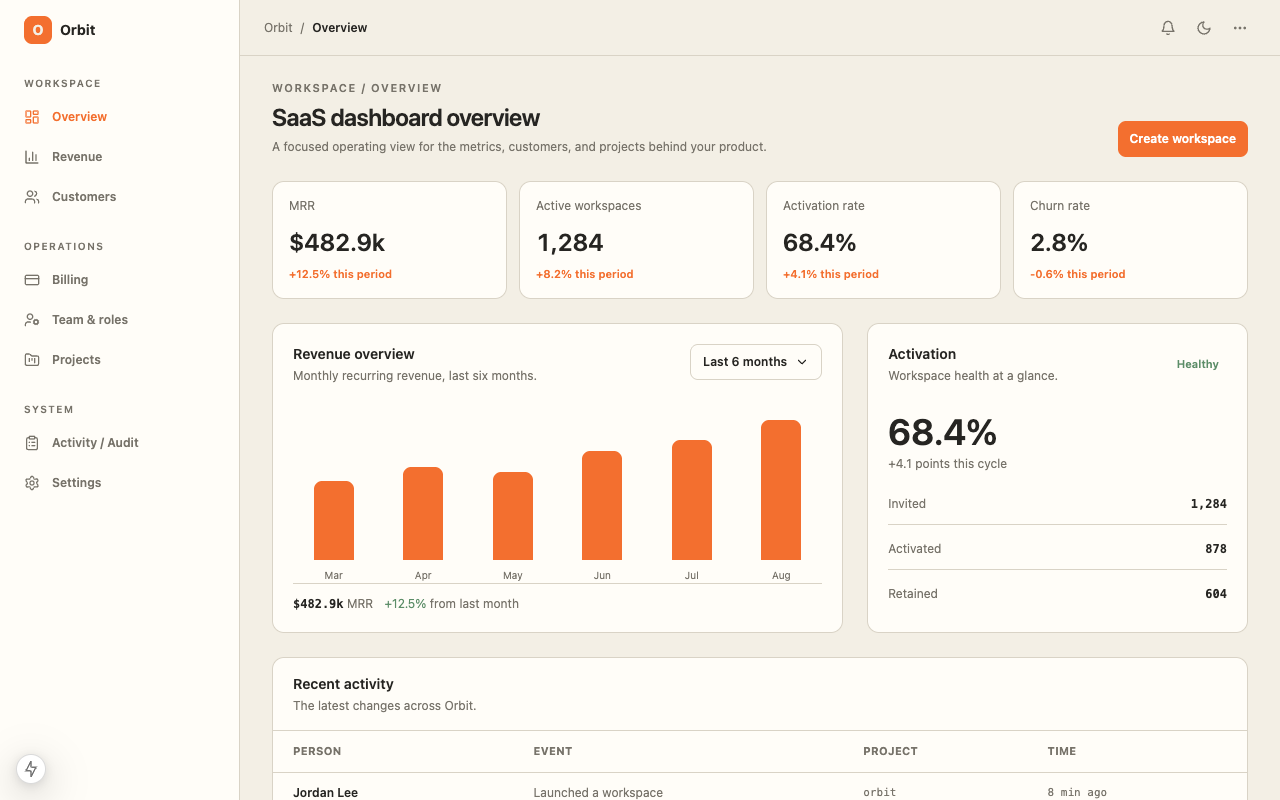
$39SaaS Dashboard DESIGN.md
Template kit by DesignMD
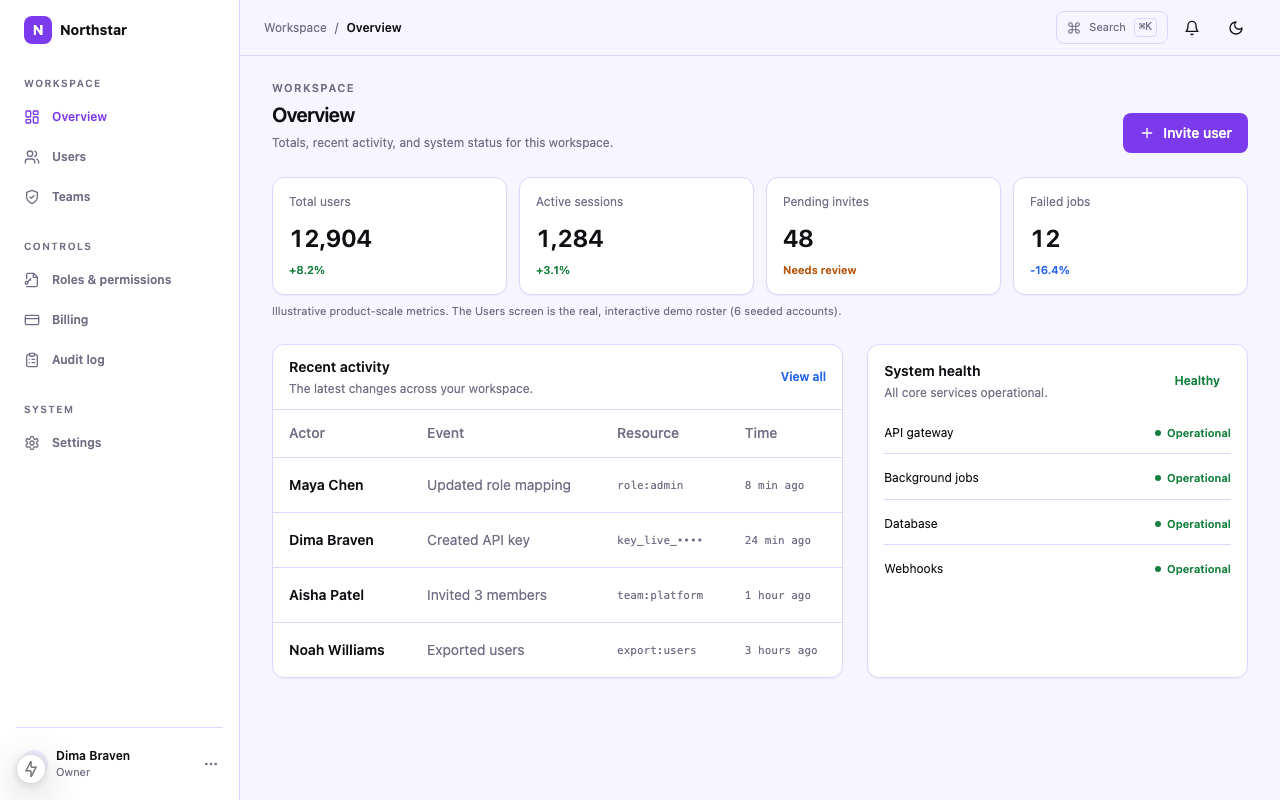
shadcn DESIGN.mdBest for: Product dashboards with billing, team screens, and workspace navigation
A general-purpose SaaS shell: metrics, billing, team management, and workspace switching, with shadcn/ui and dedicated data-UI blocks. The default choice for a typical B2B SaaS product dashboard.
 $39
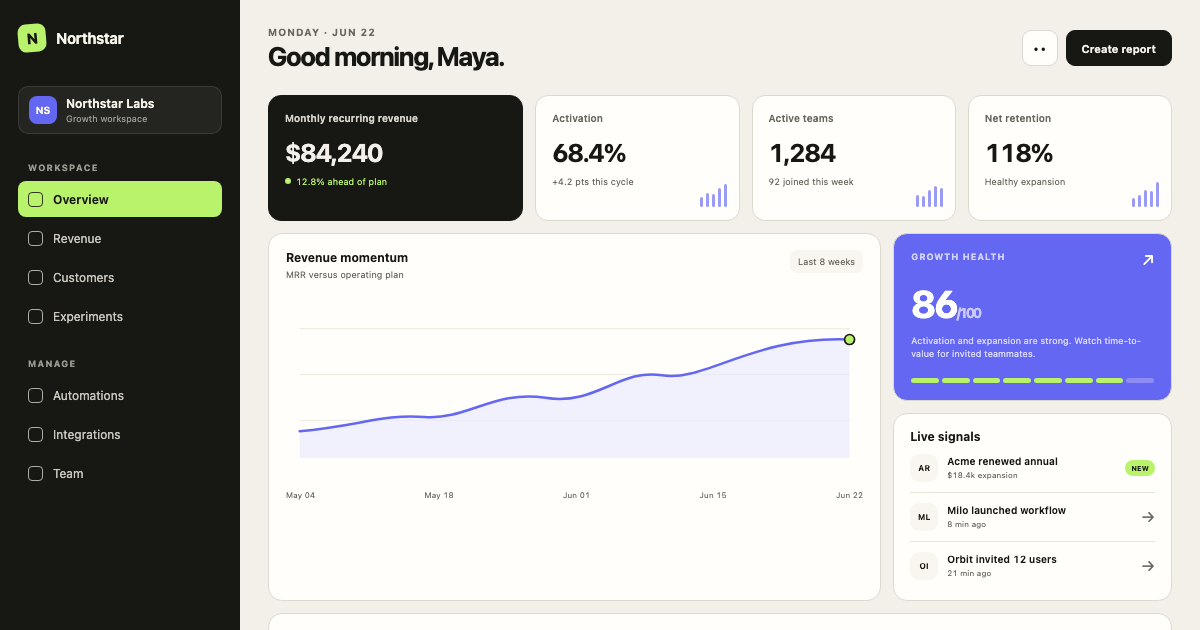
$39Minimal SaaS Dashboard DESIGN.md
Template kit by DesignMD
shadcn DESIGN.mdBest for: Lean products that need fewer screens and a lighter visual system
A trimmed-down alternative to the full SaaS Dashboard kit — same shadcn/ui foundation and chart blocks, fewer pages, quieter density. Choose this over the standard SaaS Dashboard kit when the product surface is genuinely small.
 $39
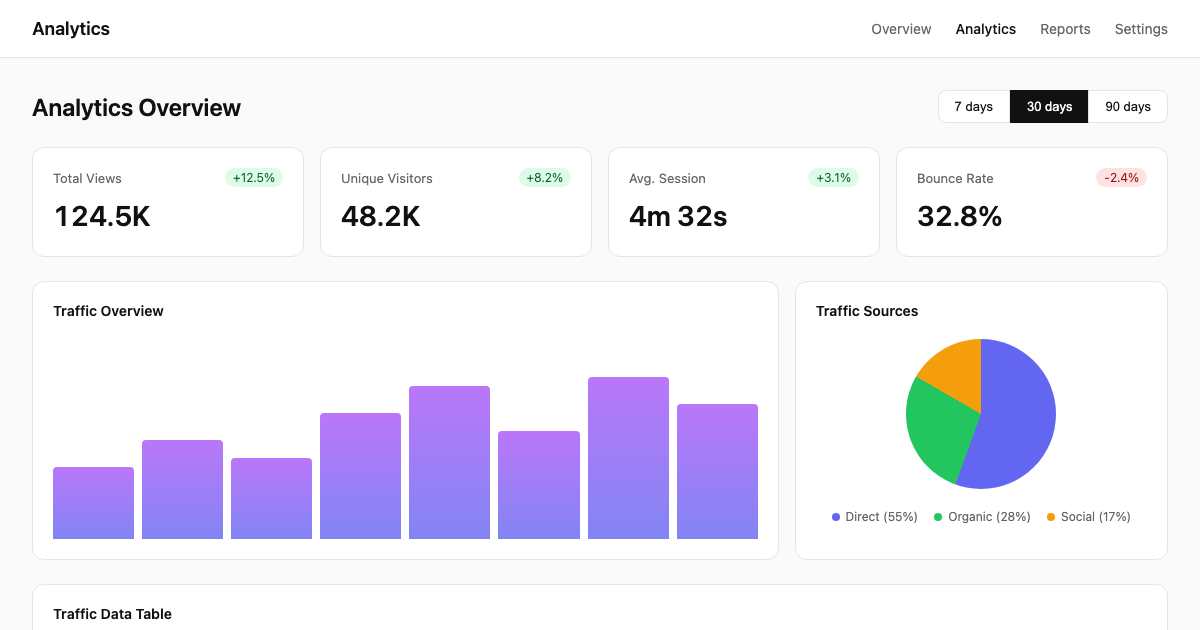
$39Analytics Dashboard DESIGN.md
Template kit by DesignMD
shadcn DESIGN.mdBest for: Metrics-first products where charts and reporting are the core UI
The block-heaviest kit — 31 blocks across 8 pages, built around Recharts and explicit chart-usage rules in the DESIGN.md. Pick this when the product is a reporting or analytics tool rather than a general SaaS dashboard.
 $29
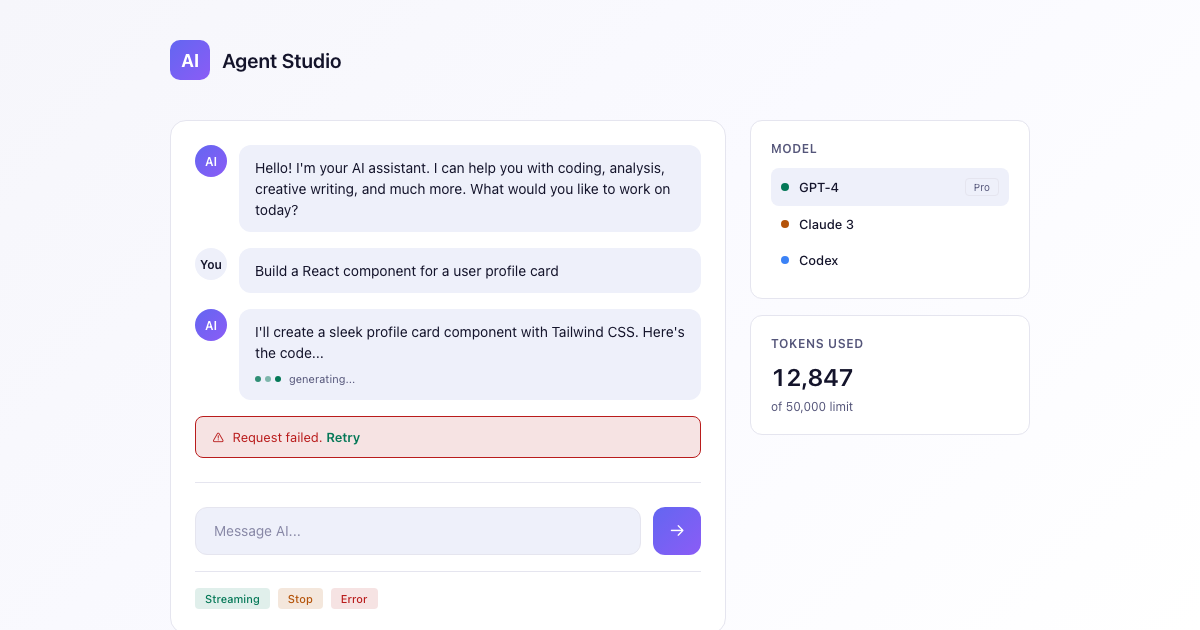
$29AI App Starter DESIGN.md
Template kit by DesignMD
shadcn DESIGN.mdBest for: Chat interfaces, prompt inputs, and AI-agent product surfaces
A chat-first starter with streaming states, prompt input patterns, and agent-workspace layout baked into the DESIGN.md. Use this instead of a generic dashboard kit when the product is built around an AI chat or agent interface.
How to choose
Start with the free Landing Page kit if the product is a marketing site, or to see exactly what a paid kit includes before spending anything. For a product surface, match the kit to what the UI actually is: tables and back-office screens point to Admin Panel, a typical product dashboard points to SaaS Dashboard or its Minimal variant, charts-first reporting points to Analytics Dashboard, and a chat or agent interface points to AI App Starter.
| Kit | Price | Pages | Blocks |
|---|---|---|---|
| Landing Page DESIGN.md | Free | 5 | 18 |
| Admin Panel DESIGN.md | $49 | 8 | 8 |
| SaaS Dashboard DESIGN.md | $39 | 6 | 12 |
| Minimal SaaS Dashboard DESIGN.md | $39 | 6 | 13 |
| Analytics Dashboard DESIGN.md | $39 | 8 | 31 |
| AI App Starter DESIGN.md | $29 | 7 | 24 |
Frequently asked questions
Browse the full template library for filters by surface, or read how to write DESIGN.md rules for shadcn/ui components inside any of these kits.