v0
DESIGN.md for v0
How to use DESIGN.md with Vercel v0 to generate UI, prototypes, and full-stack app surfaces that match your real product design system.
 Dima Braven7 min read
See it in practice
Related DESIGN.md references
Curated directory entries with practical workflows and visual contracts — not blog posts.
Further reading
Why v0 and DESIGN.md fit together
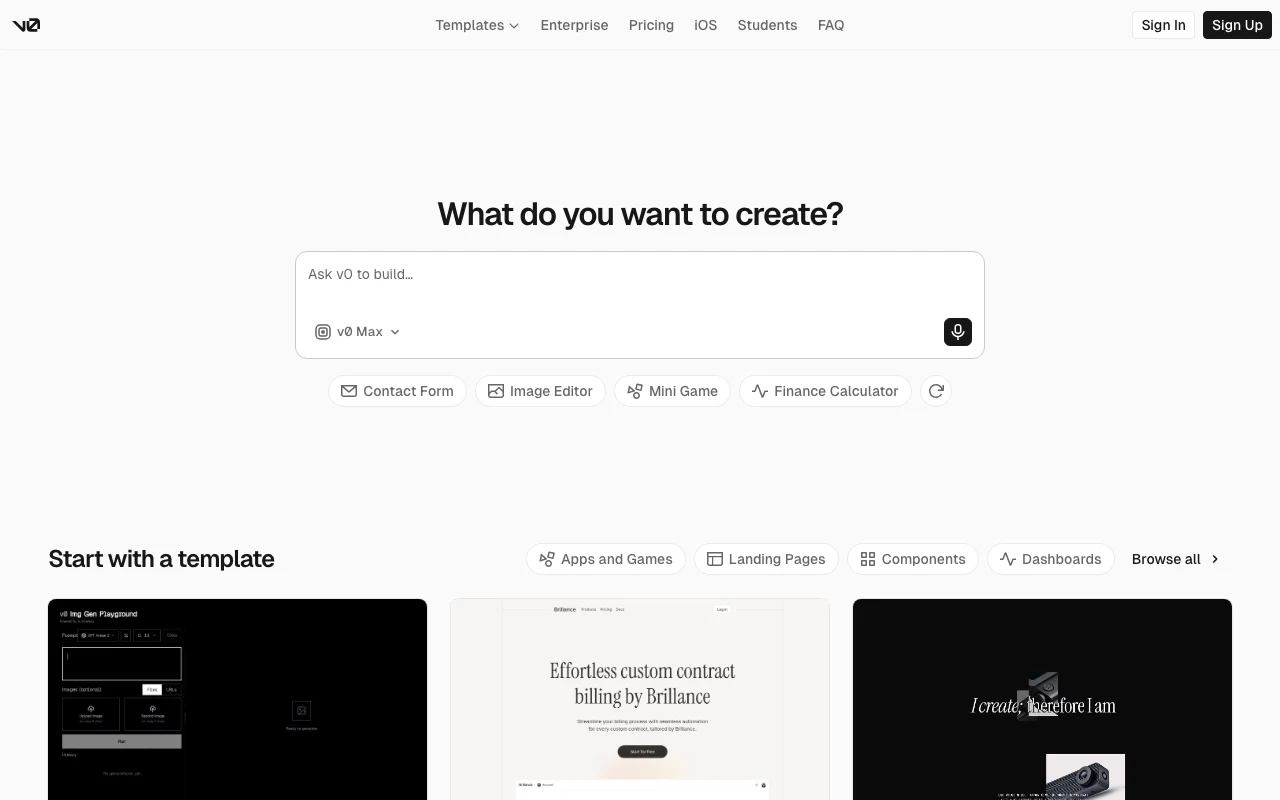
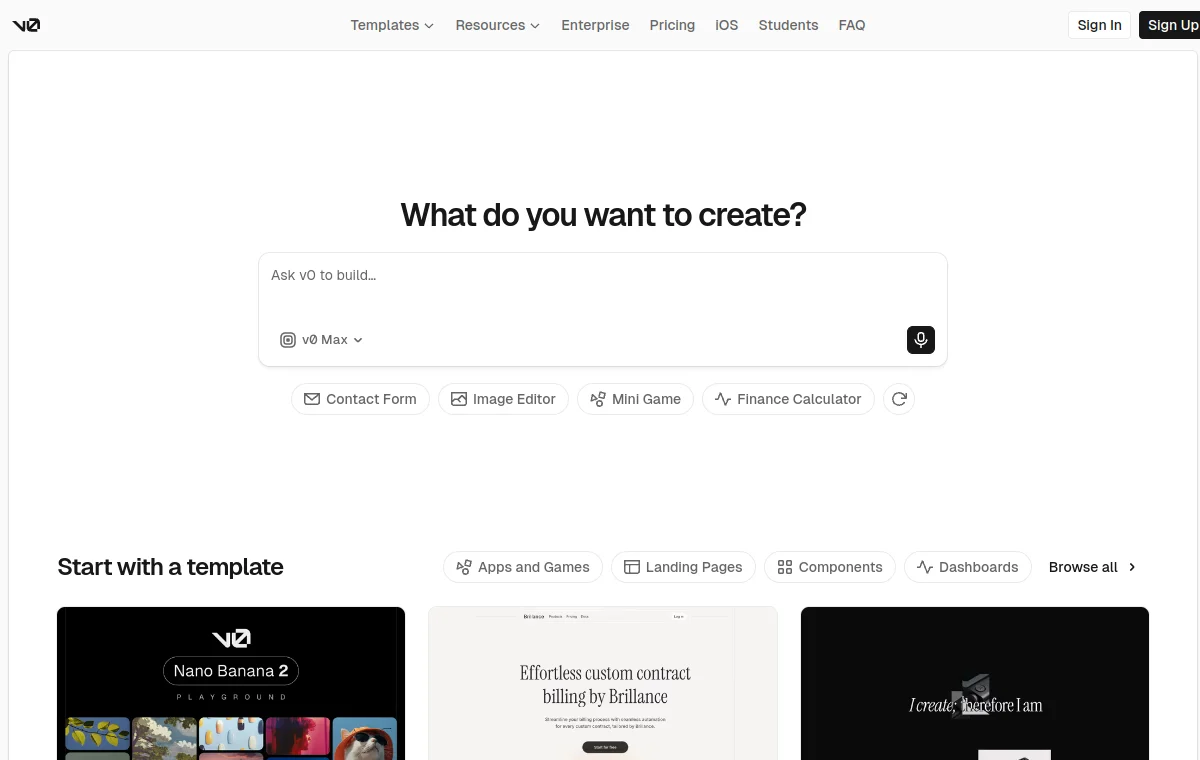
v0 is built for turning prompts into real code, UI, prototypes, and app surfaces. It is especially useful for product managers, designers, engineers, and marketers who want to move from idea to interactive output quickly. But high-fidelity generation still needs high-fidelity instructions. A screenshot helps, a Figma file helps, and a clear prompt helps, but DESIGN.md gives v0 a reusable written model of the design system. It can describe the rules behind the screenshot: why a card is compact, how buttons behave, which colors are semantic, how typography scales, and what a generated page should never do.
Prompting with a design file
A good v0 workflow starts by pasting the relevant DESIGN.md sections into the prompt or linking to a public file when available. Ask v0 to follow the file as a constraint, not just as inspiration. This is much more useful than asking for a "modern settings page" because it gives v0 a concrete target to implement.
Generate a settings page using this DESIGN.md. Keep the interface quiet and operational. Use the defined tokens,type scale, form spacing, button variants, and empty-state rules. Avoid hero copy, decorative background effects, and oversized cards. --- DESIGN.md ---[paste the relevant sections here]Use it for design systems, not only pages
v0 can produce single components, full pages, and richer app flows. DESIGN.md helps across all three. For a component, it tells v0 how variants, disabled states, focus states, and density should work. For a page, it tells v0 how sections should stack, where actions belong, and what the hierarchy should be. For a full app surface, it creates continuity between routes. That is important when you generate a dashboard today, a billing screen tomorrow, and an onboarding flow later. Without a shared visual brief, each generation can look like a different product.
| Generation scope | What DESIGN.md controls |
|---|---|
| Single component | Variants, disabled/focus states, density. |
| Full page | Section stacking order, action placement, visual hierarchy. |
| App surface (multiple routes) | Continuity — dashboard, billing, and onboarding share one visual system. |
Review loop
After v0 generates output, compare the result against DESIGN.md. If the generated code reveals a missing rule, update DESIGN.md. This turns the design system into a living prompt asset. The point is not to make v0 less creative. The point is to aim that creativity at your product language so the generated UI can move closer to production instead of stopping at a nice-looking demo.
The file says cards should be 8px radius and dense;reduce radius and vertical padding to match DESIGN.md.Use DESIGN.md with a real product reference
Browse curated DESIGN.md examples from product teams, design systems, developer tools, SaaS dashboards, and AI-native apps. Use them as references before your agent builds the next screen.
Related guides
DESIGN.md for Kiro
How to use DESIGN.md with Kiro, the AWS agentic IDE built around specs, steering, hooks, and production-minded implementation.
DESIGN.md for Devin Desktop (formerly Windsurf)
How to use DESIGN.md with Devin Desktop, the next generation of Windsurf, so agentic edits follow your product design system instead of default editor taste.
DESIGN.md for Bolt
How DESIGN.md helps bolt.new generate full-stack browser apps with stronger UI direction, cleaner components, and less generic styling.
Frequently asked questions
Can I just paste a DESIGN.md file into a v0 prompt?
Yes — v0 has no repo file access like Cursor or Claude Code, so pasting the relevant DESIGN.md sections directly into the prompt (or linking a public file) is the standard workflow.
Does v0 remember DESIGN.md across sessions?
No. Each v0 generation is a fresh prompt, so re-paste the relevant DESIGN.md sections (or reference a hosted URL) at the start of every new generation or major revision.
What if v0-generated code conflicts with our production design system?
Treat v0 output as a draft: run it through the same review loop as any other AI-generated UI — check it against DESIGN.md rule by rule, and fold any gap you find back into the file.